How to Restart Frozen iPhone (Every Model)
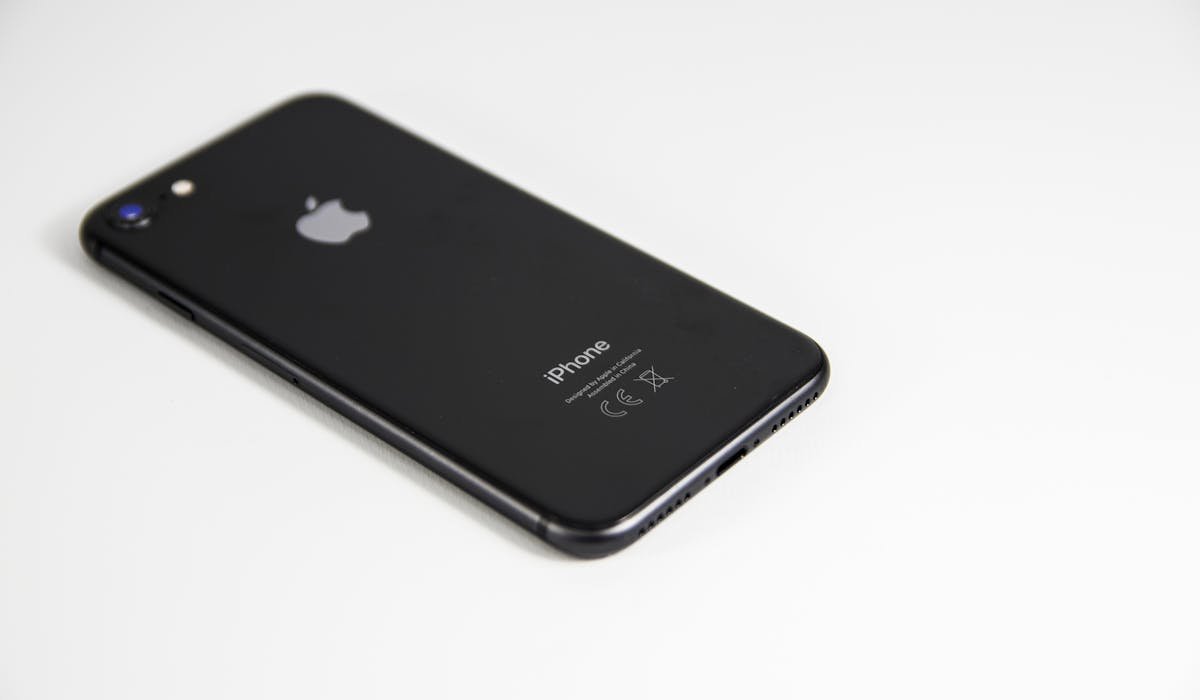
Force restart frozen iPhone with Volume Up, Volume Down, Side button. Plus recovery mode and what to do when freezing happens often.
iPhone tips, troubleshooting, and iOS tutorials.
Force restart frozen iPhone with Volume Up, Volume Down, Side button. Plus recovery mode and what to do when freezing happens often.
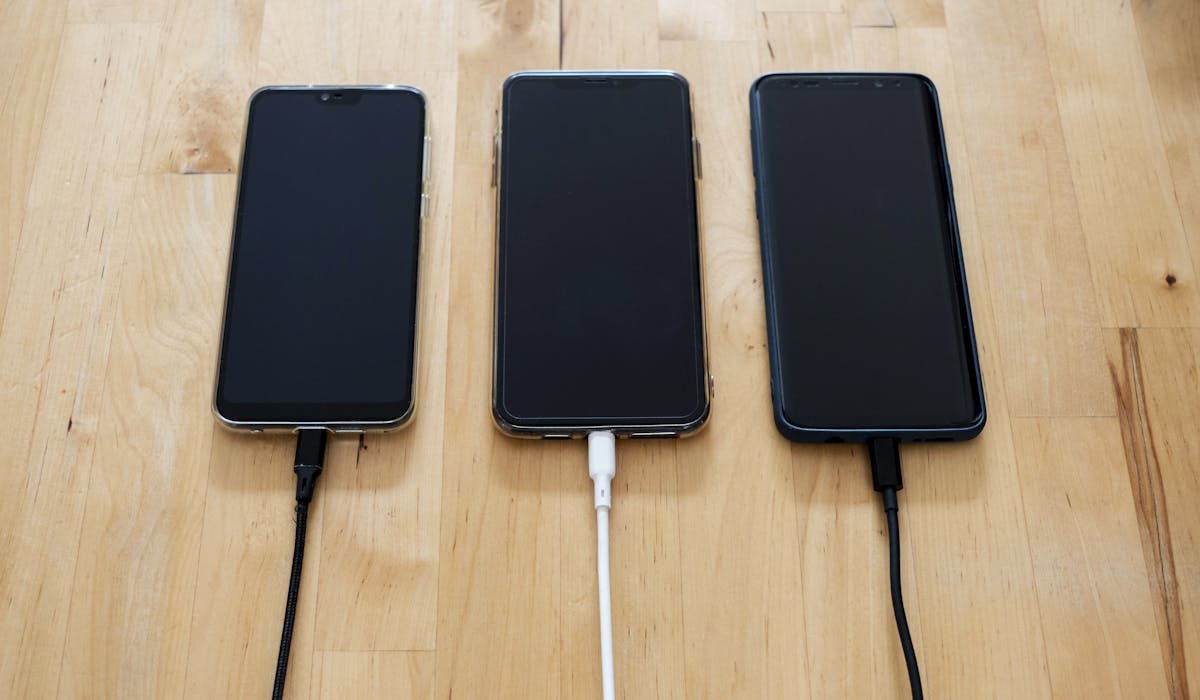
HDMI cable, mobile hotspot, Miracast, peer-to-peer AirPlay. Six ways to cast phone to TV without Wi-Fi. Plus best methods for hotel TVs.

Block specific calls, silence unknown callers, use carrier spam apps or third-party tools like Robokiller. Every way to stop calls on iPhone.

Set up Apple Pay on iPhone and Apple Watch. Pay in stores with double-click and Face ID. How to use it online, switch cards and stay secure.
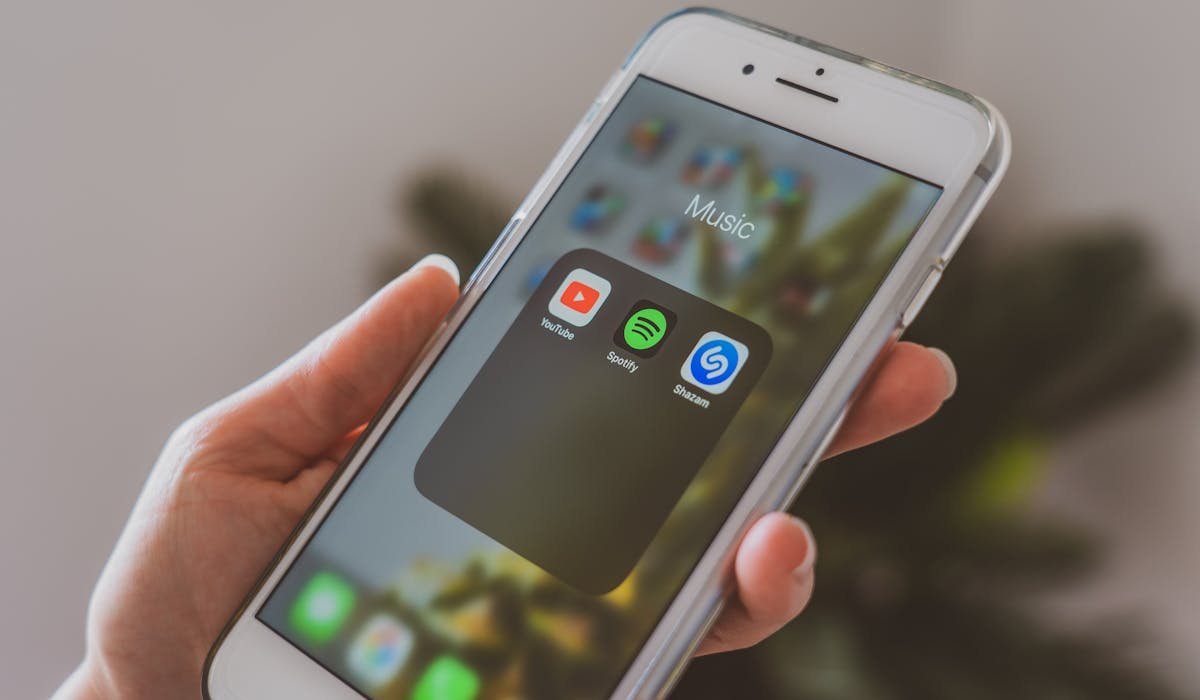
Remove from home screen, hide pages, lock to Face ID folder or use Screen Time. Five ways to hide apps on iPhone with the right privacy level.
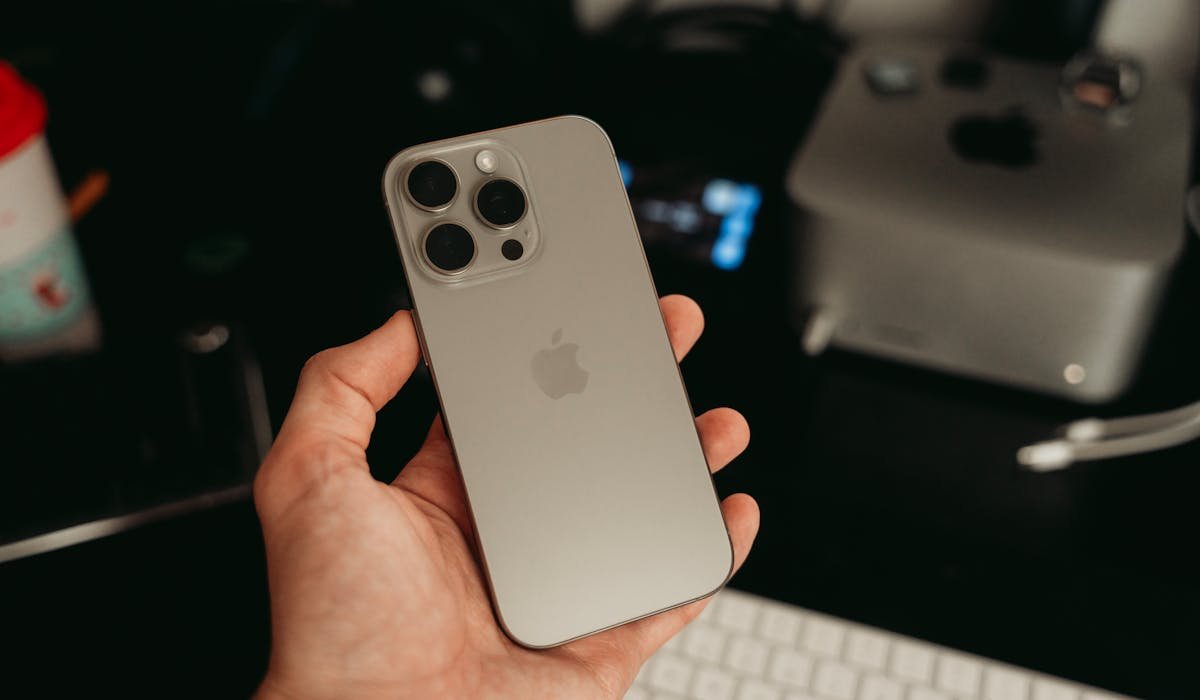
iPhone 16 Pro brings camera, A18 Pro chip and Apple Intelligence. Worth it as refurb or used in 2026 but harder to justify new at full price.
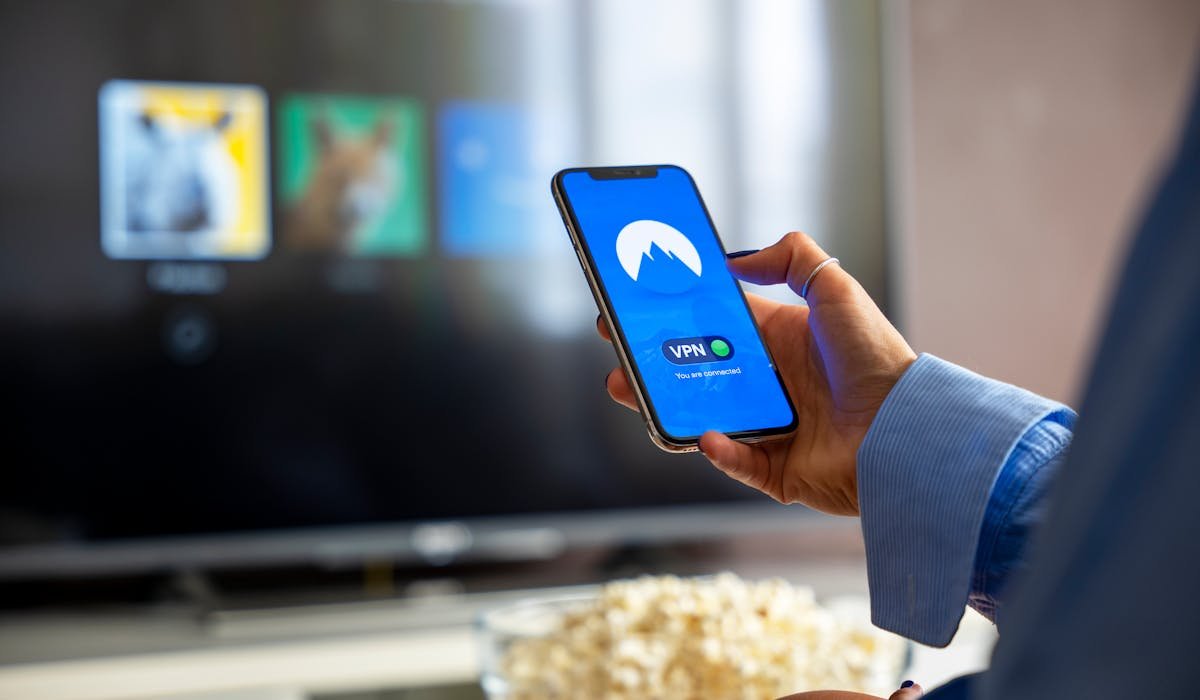
Mirror iPhone to TV using AirPlay, Chromecast apps, Roku, Fire TV or HDMI cable. Step-by-step for every TV brand plus troubleshooting tips.

Restart, free storage, turn off Background App Refresh, reduce motion, check battery health. Eight real fixes to speed up iPhone without buying new.
Auto brightness annoying on iPhone? Settings > Accessibility > Display & Text Size > Auto-Brightness off. Apple hides it under Accessibility not Display.
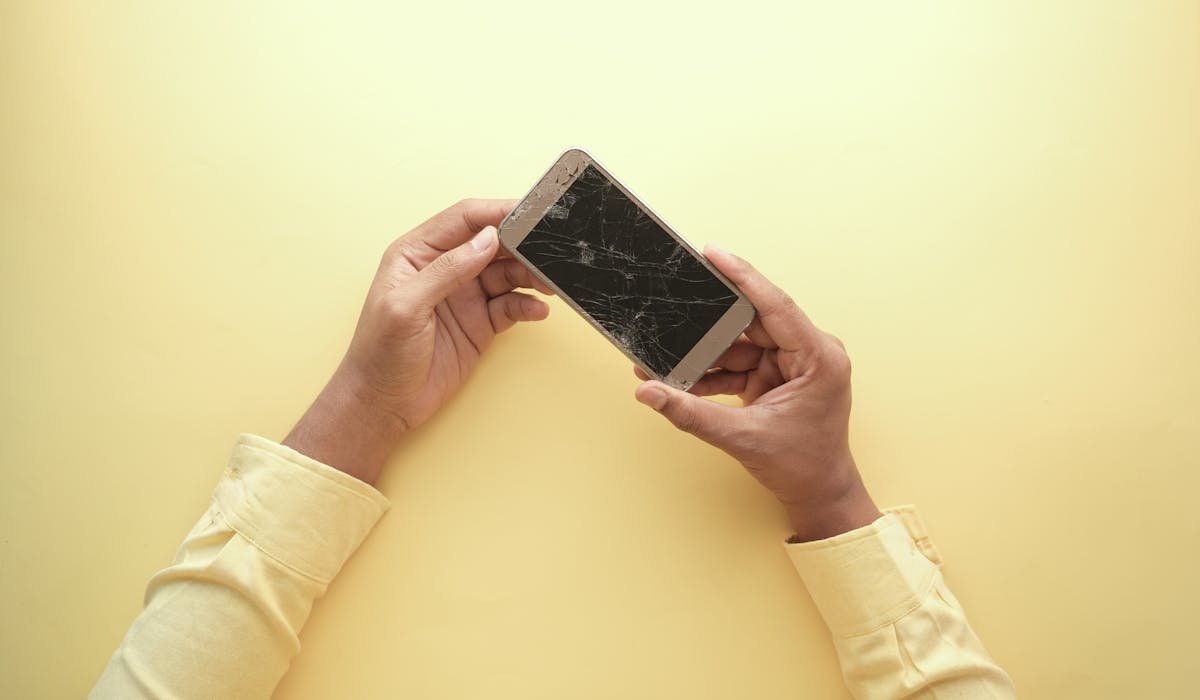
White spots on phone screen? Try stuck pixel fixer apps, gentle counter-pressure or check display settings. Plus when screen needs replacement.
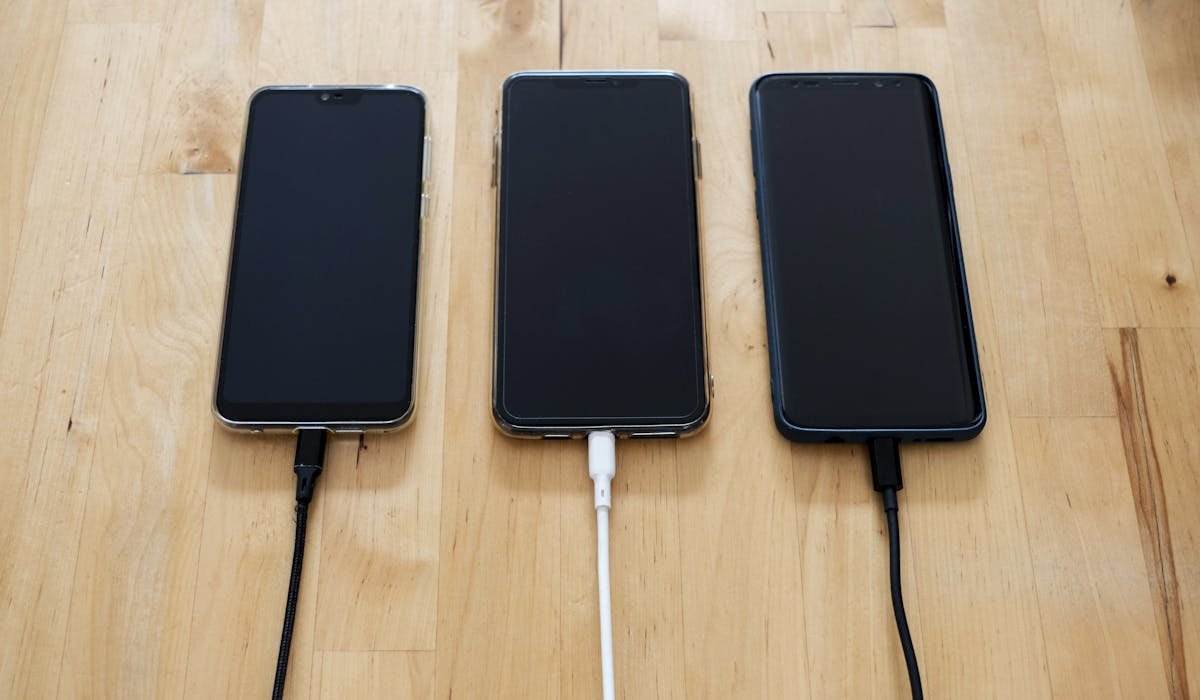
Phone charging slow? Try a new cable, clean the port, check charger wattage. Plus when battery health is actually the issue.
See who you blocked on iPhone. Settings > Apps > Phone > Blocked Contacts. Same list works for Messages and FaceTime. Plus how blocking actually works.