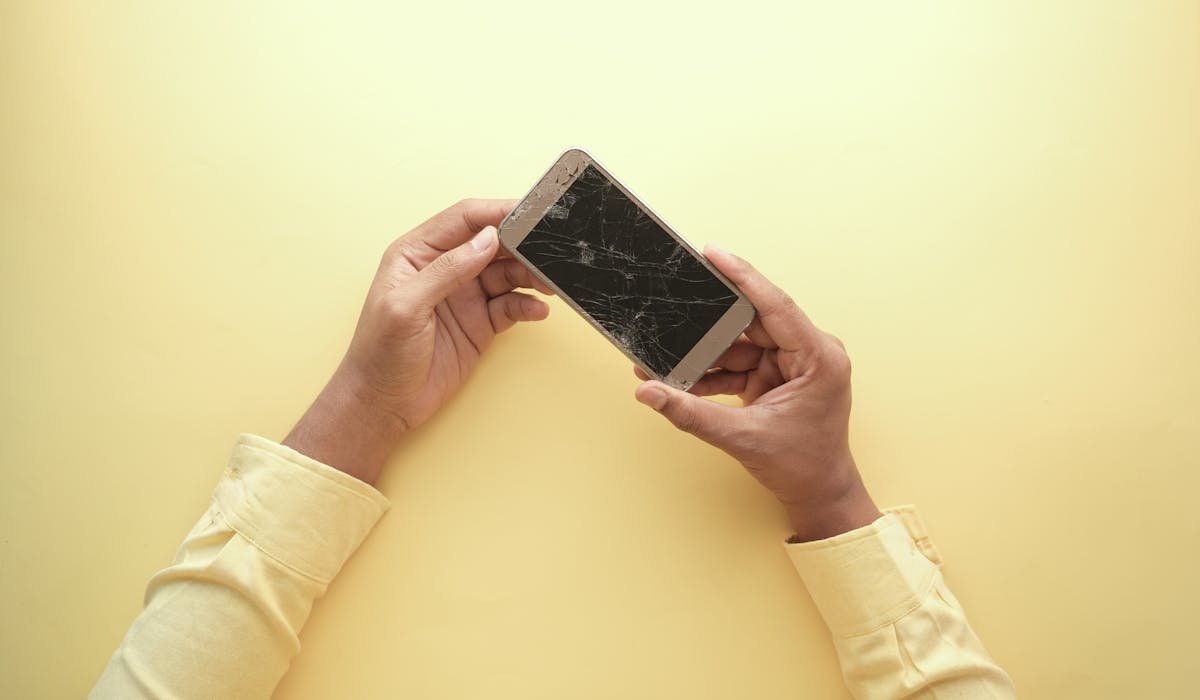
White spots on a phone screen are bad news. They can appear suddenly or gradually grow over weeks. Most cases need hardware repair but a few software fixes can help if the cause is software-related.
Here's how to figure out which type you have and what your options are.
Identify the type of white spot
Different patterns mean different causes:
- Round white blob usually from a drop or pressure damage to the LCD
- Vertical white line indicates a damaged display cable
- Random white pixels scattered are dead or stuck pixels
- White spot that changes size with temperature is liquid damage
- White spot only when phone is on means a backlight bleed issue
Note where exactly the spot is, what shape, and when it appeared. This determines the fix.
Test if it's software
Restart your phone. White spot still there? Visit a pixel test website like deadpixeltest.org or download a pixel test app. The site cycles through solid colors. If the spot disappears on certain colors, it's likely a stuck pixel.
Software-fixable spots usually flicker or change. Hardware spots stay constant regardless of what's on screen.
Try pixel unstick apps
For stuck pixels, apps rapidly cycle colors to electrically "wake" them. JScreenFix.com runs in a browser. Dead Pixel Fixer is available on Android.
Run the app for 30+ minutes. Don't move the phone. About 30% of stuck pixels respond to this. The rest need hardware fix or live with them.
Press and rub gently (last resort for stuck pixels)
An old trick – rub the stuck pixel gently with a soft cloth or your finger while the screen shows white. Don't press hard. Just light circular motion for 30 seconds.
This sometimes works, sometimes doesn't, and rarely makes things worse. Don't do this if the spot is clearly liquid damage or a pressure mark – pressing more makes those worse.
Pressure damage from a drop
If you dropped the phone and a white spot appeared after, the LCD is damaged. There's no software fix. The display panel has a physical crack in the liquid crystal layer.
You can keep using the phone if the spot doesn't bother you. But it usually grows over time as the liquid crystal damage spreads. Within 6 months it can take over significant screen real estate.
Liquid damage
If your phone got wet, water can creep into the screen layers. The spot looks like a milky cloud. It might shrink when the phone cools and grow when it warms up.
Time-sensitive issue. Power off the phone, put it in dry rice or silica packets for 48 hours. Sometimes the spot disappears as moisture evaporates. If not, the LCD probably needs replacement.
Replace the screen yourself or pay a shop
For most modern phones, screen replacement is the fix for permanent white spots. Costs vary by brand:
| Brand | Repair cost |
|---|---|
| iPhone (Apple Store) | $159-329 depending on model |
| iPhone (third-party) | $80-180 |
| Samsung Galaxy | $150-300 |
| Google Pixel | $130-200 |
| DIY kit | $30-100 plus your time |
Third-party shops use aftermarket screens that aren't quite as good but cost half. Apple Store and authorized repair use original parts.
Worth repairing or not?
For a phone less than 2 years old or a flagship like iPhone 15 Pro, yes – repair. For an older budget phone, the repair cost might be more than buying a new one. Compare quotes carefully.
Check your insurance too. AppleCare+ covers screen damage for $29. Some Android plans like Samsung Care+ are similar. If you have coverage, use it – you'll pay way less than out of pocket.
What phone do you have and where exactly is the white spot? Tell me and I'll point to the most likely cause.