Clubhouse App in 2026: Is the Audio Social Network Still Alive?

Clubhouse was the 2021 phenomenon. Now in 2026, is the audio only social network still active? Real status and where audio rooms thrive instead.
 Jordan Lee
Clubhouse was the 2021 phenomenon. Now in 2026, is the audio only social network still active? Real status and where audio rooms thrive instead.

Arc Browser was the tech darling of 2023. The Browser Company moved focus to Dia. Is Arc still safe to use? Current status explained.
Bluesky exploded in 2024 then plateaued. Is the decentralized Twitter alternative still worth joining in 2026? Real status and comparison.

10 best free Chrome extensions for 2026. uBlock Origin, Bitwarden, Grammarly and more underrated productivity boosters.

How to clear cache on iPhone and Android in 2026. Safari, Chrome, app cache and how to free up storage that piles up.
12 Chrome flags worth enabling in 2026. Speed boosts, hidden features and experimental tools that actually work.

How to set up a VPN on Windows, Mac, iPhone, Android and routers. Pick the right protocol, avoid common setup mistakes.

WiFi 6 vs WiFi 6E comparison for 2026. The 6 GHz band difference, range tradeoffs, device support and whether the upgrade is worth it.
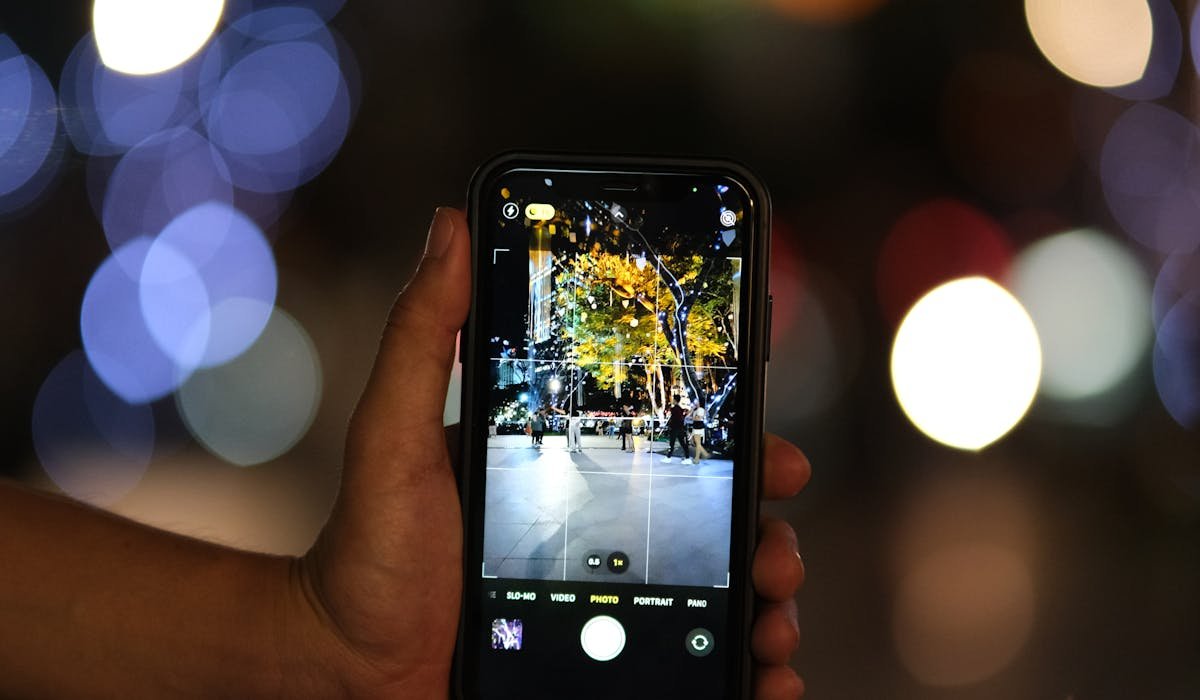
Open Google Translate, tap Camera and point at foreign text for live translation. Download languages for offline travel use. Plus tips and best uses.
Install Chrome extensions from the Web Store. Manage permissions, use per-site control and spot bad extensions. Plus the best extensions worth installing.
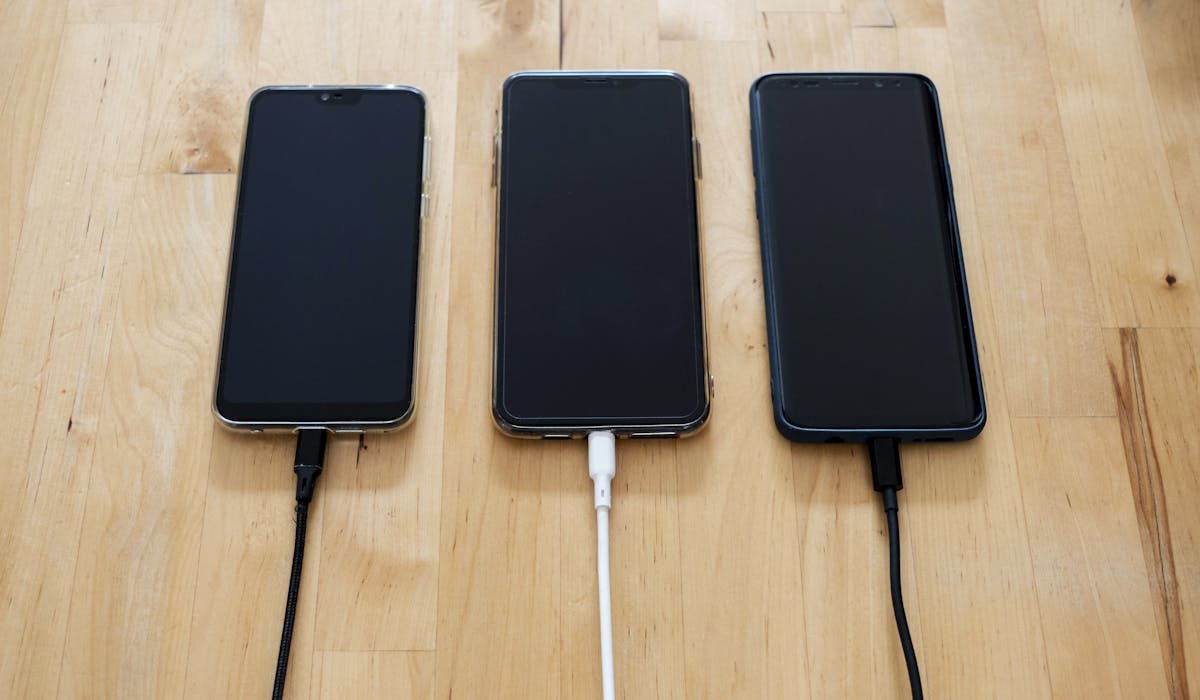
HDMI cable, mobile hotspot, Miracast, peer-to-peer AirPlay. Six ways to cast phone to TV without Wi-Fi. Plus best methods for hotel TVs.

Sync bookmarks in Chrome, Safari, Edge, Firefox and Brave across phone, laptop and tablet. Plus cross-browser options like Raindrop.