Windows 11 24H2 in 2026: Still Worth Installing?

Windows 11 24H2 brought AI features, Recall, and Wi-Fi 7. Is it still relevant in 2026? Update guide plus known issues that got fixed.
Windows 11 guides, fixes, and productivity tips.
Windows 11 24H2 brought AI features, Recall, and Wi-Fi 7. Is it still relevant in 2026? Update guide plus known issues that got fixed.

Best free Windows 11 apps for 2026. PowerToys, Files App, ShareX, Notepad++ and more must install free utilities.

How to create a Windows recovery drive step by step. USB requirements, what to do if your PC won't boot, and recovery scenarios.

Complete guide to Windows 11 dark mode setup. Enable system wide, custom dark themes, third party apps and timing schedules.

40 essential Windows 11 keyboard shortcuts including the new Copilot shortcut, clipboard history, snip tool and Stage Manager equivalents.
Best free screen recording software for 2026. OBS Studio, Xbox Game Bar, ShareX, Loom Free compared by use case.

Best free antivirus software for 2026. Windows Defender vs Bitdefender vs Avast and more, with honest tests and recommendations.
Press Win + Shift + S for screenshots. Pick rectangle, freeform, window or fullscreen. Plus screen recording, edit tools and delay settings.
Disable startup apps, clear disk, update drivers, scan for malware and adjust visual effects. Ten fixes to speed up Windows 11 in 30 minutes.
Use Copilot in Windows 11, Edge, Word, Excel, PowerPoint and Outlook. Free chat plus Pro features at $20/month. Setup, best uses and tips.
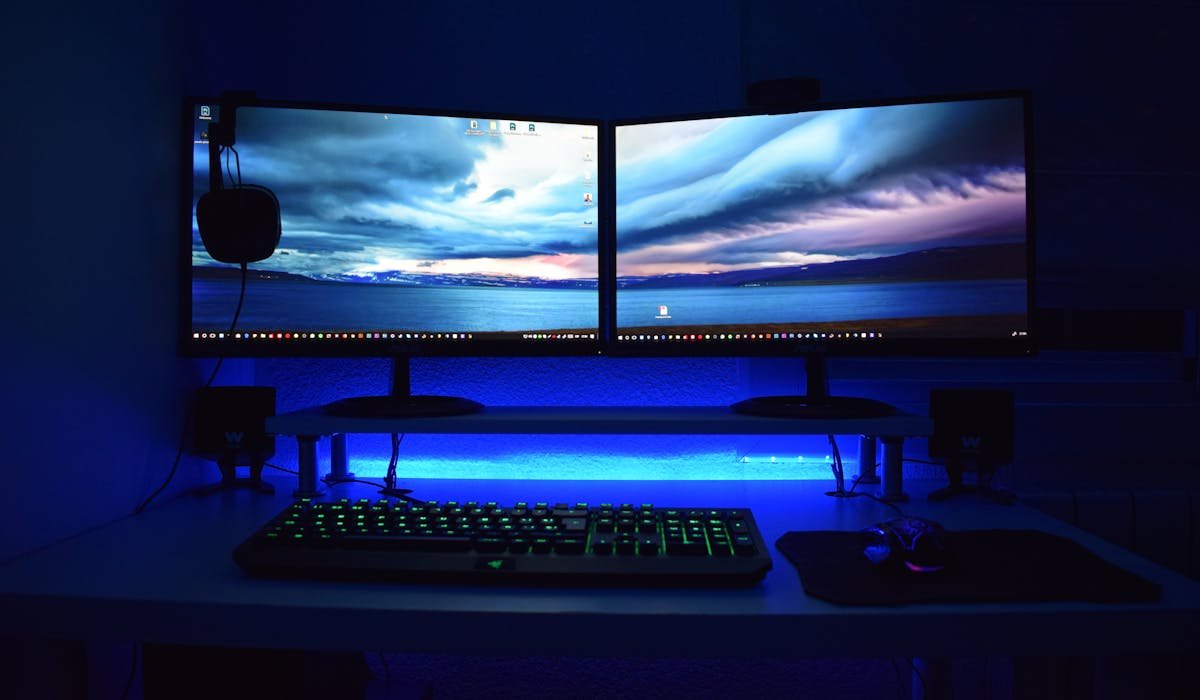
Connect two monitors via HDMI, DisplayPort or USB-C. Configure Windows display settings, scaling and refresh rate. Plus dock options for one-port laptops.
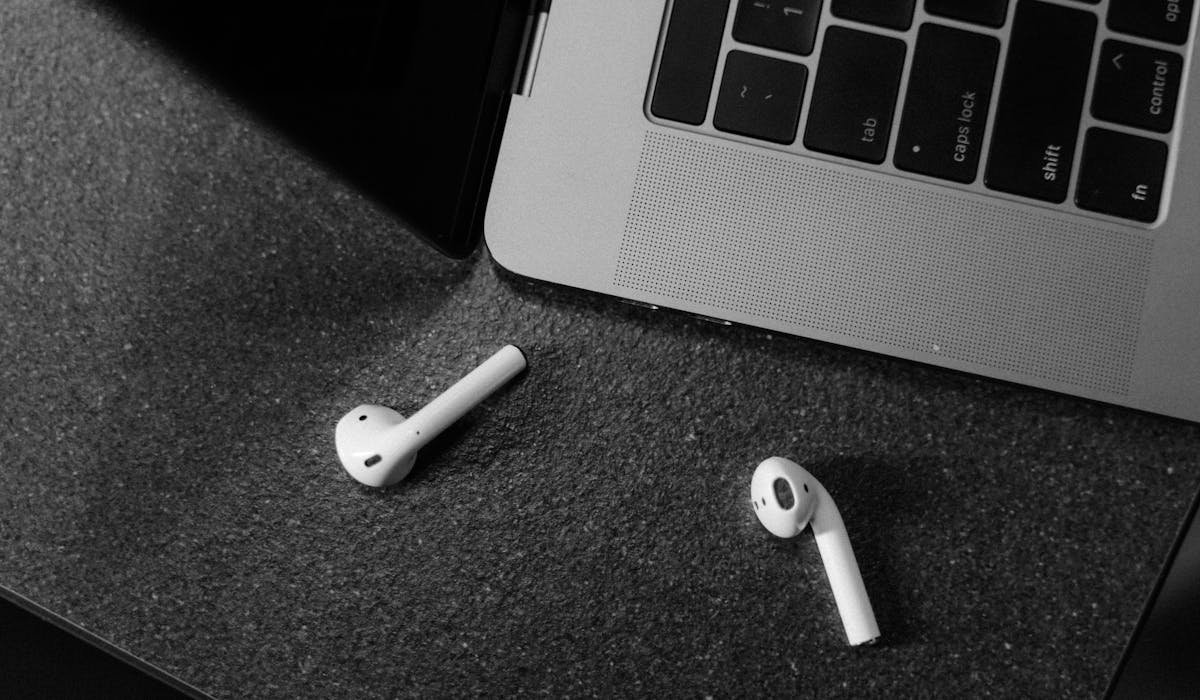
Pair AirPods to Windows 11 or 10 via Bluetooth. Works for music and mic. Lose Apple features like auto-switch and Spatial Audio. Setup and quirks.