How to Fix Slow Wi-Fi on Windows (8 Real Fixes)

Update drivers, switch to 5 GHz, reset network stack, check background apps and set Cloudflare DNS. Eight real fixes for slow Wi-Fi on Windows 10 and 11.
Update drivers, switch to 5 GHz, reset network stack, check background apps and set Cloudflare DNS. Eight real fixes for slow Wi-Fi on Windows 10 and 11.

ChatGPT for writing. Perplexity for research with sources. Google AI Mode for quick lookups. The honest comparison with picks for every use case.

ElevenLabs, Murf, Speechify and PlayHT compared. The best AI voice generators in 2026 with picks for video creators, audiobooks and voice cloning.

Top Chromebook apps for productivity, communication, creative work, AI and reading. Web apps, Android apps and Linux tools that actually work.

Mirror iPhone to TV using AirPlay, Chromecast apps, Roku, Fire TV or HDMI cable. Step-by-step for every TV brand plus troubleshooting tips.

Restart, free storage, turn off Background App Refresh, reduce motion, check battery health. Eight real fixes to speed up iPhone without buying new.
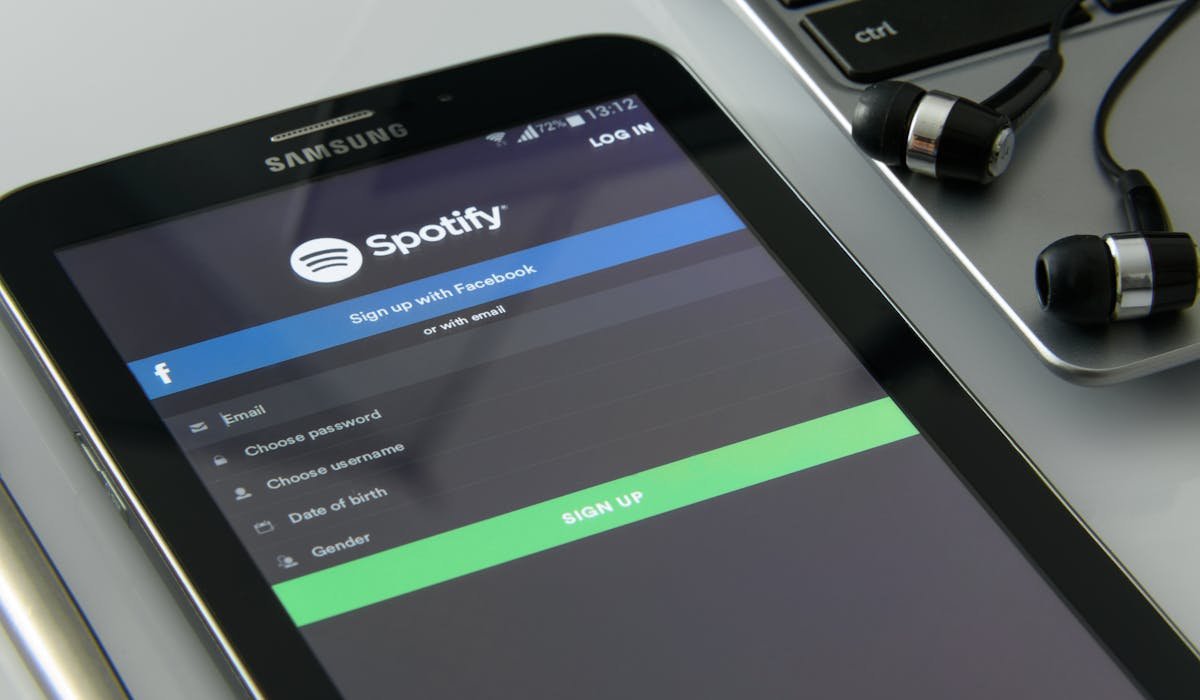
Spotify Premium costs $11.99/mo for ad-free, offline play and unlimited skips. We compare free vs paid plus alternatives like Apple Music. Worth it for who?

Enable ChatGPT voice mode on iPhone, Android and web. Standard vs Advanced voice. Best uses for language practice, driving, cooking and walking thinking.

Midjourney, ChatGPT, Google Imagen, Flux and Adobe Firefly. The honest comparison of AI image generators in 2026 with free and paid picks.

Win + Shift + S, Print Screen, Snipping Tool and Game Bar. Every way to take a screenshot on Windows 11 including where files save and free alternatives.
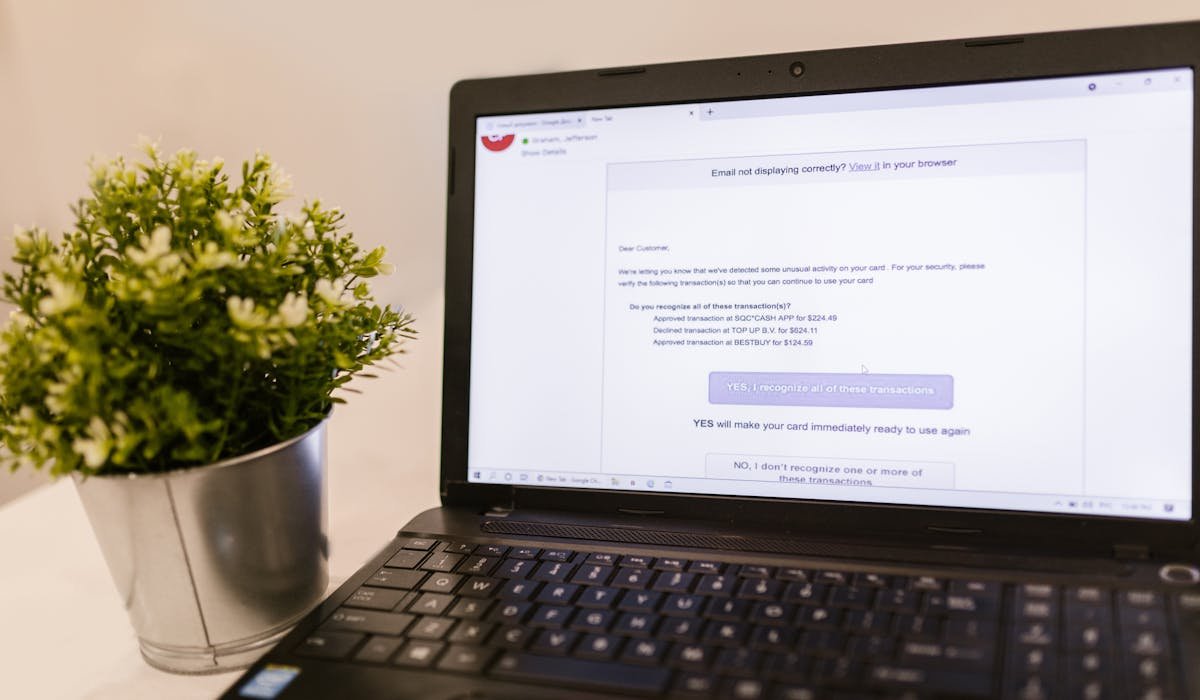
Report Spam button, filters, blocking senders and Gmail aliases. Real methods to stop spam emails on Gmail and cut your inbox junk to under 5 per day.

We tested Notion, Obsidian, Apple Notes, Google Keep, OneNote, Evernote and Bear. The honest comparison with picks for writers, students and power users.