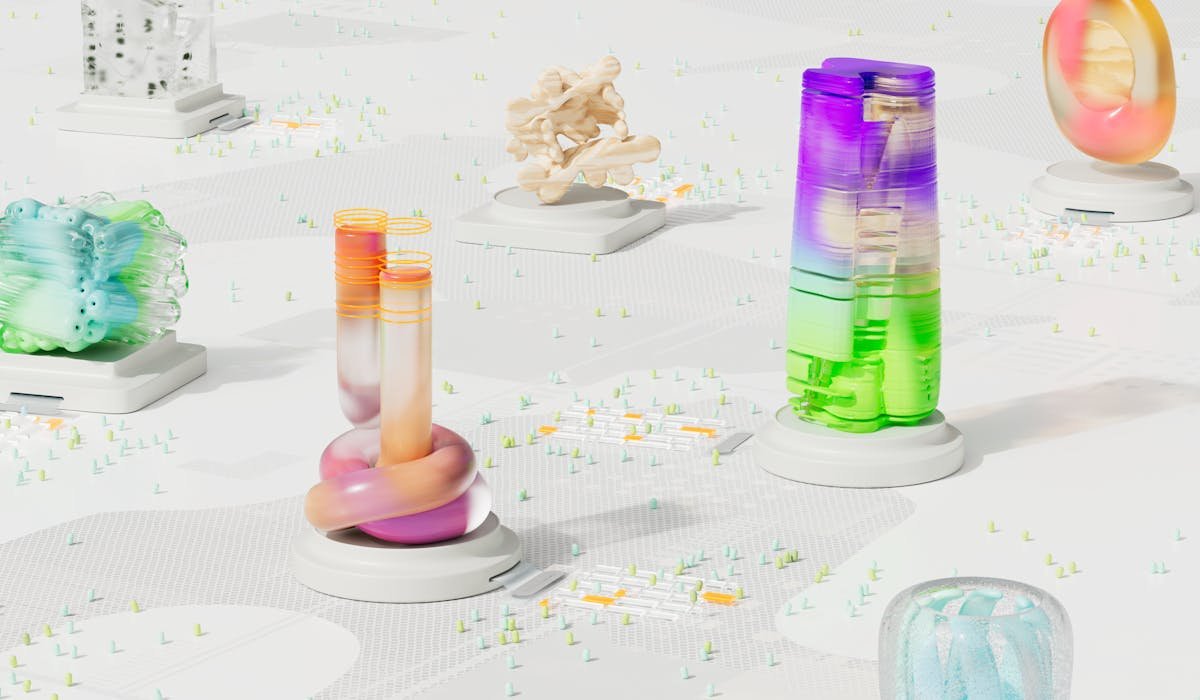
AI image generators turn text prompts into pictures using diffusion or transformer models. Type what you want, pick a style, get an image. They have improved dramatically the last two years. The top tools now produce images indistinguishable from photography or professional illustration.
I’ve tested all the major AI image generators side by side over the past month. Same prompts. Same use cases. The 2026 landscape is way different from 2024. Some old names fell off. Some new ones surprised us. Here’s what actually delivers.
Midjourney
Midjourney is the artistic king. Output looks like real digital art instead of obviously AI-generated. Style consistency is strong across a series of images. Best fit for artists, designers, and anyone who wants stylized images rather than literal interpretations of prompts.
Access used to be Discord-only which intimidated newcomers. Midjourney moved to their own web app at midjourney.com which is much easier to use. Still uses the Discord-style prompt system but with a real interface around it.
| Feature | Details |
|---|---|
| Pricing | $10/mo Basic, $30/mo Standard, $60/mo Pro |
| Access | Web app at midjourney.com |
| Strength | Artistic style, character consistency, mood |
| Weakness | Less literal on exact prompt interpretation |
| Free tier | No |
| Best for | Artists and designers wanting stylized output |
ChatGPT (GPT-Image-1)
OpenAI replaced DALL-E with GPT-Image-1 in 2025. The result is way more prompt-accurate than DALL-E was. It follows complex prompts literally. Strong at text-in-image generation, which is rare for AI image tools.
Free ChatGPT tier has limited image generation per day. Full access through Plus at $20/month or Team at $25/user. Less artistic than Midjourney but much better at producing exactly what you ask for in the prompt.
| Feature | Details |
|---|---|
| Pricing | Free limited, Plus $20/mo |
| Strength | Follows complex prompts literally |
| Text in images | Renders well, rare for AI tools |
| Style range | Wide, from photorealistic to cartoon |
| Best for | Ads, infographics, prompt-accurate work |
Google Imagen
Google’s Imagen 4 inside the Gemini app is shockingly good and mostly free. Photorealism is excellent. The free tier is generous enough that most casual users never need to pay.
The catch is content restrictions. Google’s safety filters refuse more prompts than competitors. Some users find this frustrating for legitimate creative work. For most everyday image generation, Imagen is the best free option in 2026.
Flux (Black Forest Labs)
Flux is the realism champion. Available through hosting platforms like Replicate, Together AI, and fal.ai. Pay per image, usually 3-5 cents each. No subscription required.
The strength is photorealistic skin, hands, eyes, and portraits. Areas where other AI tools historically fail. For anyone generating realistic-looking people, Flux is genuinely the best option in 2026. The catch is no single official subscription app. You pick a hosting service.
Adobe Firefly
Adobe Firefly is trained only on licensed images. Best choice if you need legally clear commercial use without copyright concerns. Included in Creative Cloud subscriptions. Standalone plans start at $5/month for limited credits.
Quality sits slightly behind Midjourney and Imagen on raw output. The legal clarity is the differentiator. For businesses and designers who need to prove their AI images are properly licensed, Firefly is the right pick.
Stable Diffusion
Stable Diffusion is open source. Runs on your own computer if you have a strong GPU (8 GB VRAM minimum). Unlimited generation. Full control over models and settings. Custom community models for niche use cases.
Setup is technical. Requires comfort with installing software, downloading models, and configuring settings. For tech-savvy users wanting unlimited generation without subscription fees, this is the right tool.
Quick Picks by Use Case
Different tools fit different image work. Here’s the quick guide to picking the right one:
| Use Case | Best Tool |
|---|---|
| Best free | Google Imagen via Gemini |
| Best for artists | Midjourney |
| Best for realism | Flux or Midjourney v7 |
| Best for product photos | Adobe Firefly (commercial-licensed) |
| Best for ads with text | ChatGPT (GPT-Image-1) |
| Best open source | Stable Diffusion 3 family |
Things to Watch Out For
The AI image generator space has plenty of bad actors and subscription traps. Watch for these patterns:
- Free generators that suddenly require subscription after 3 images.
- Apps in the App Store charging $10/week. Most are wrappers for public APIs.
- Image generators that scrape and use your prompts for training. Read the privacy policy.
- Sites that put watermarks on free generations to push you to paid.
- Random tools claiming Midjourney quality at one-tenth the price (almost always wrappers).
How to Get Better Output
Prompt quality matters more than tool choice for most images. These habits separate good AI image output from generic stuff that looks AI-generated:
- Be specific. A cat alone is worse than a ginger tabby cat sitting on a sunlit kitchen counter, soft daylight, shallow depth of field.
- Mention lighting (golden hour, soft studio light, cinematic lighting).
- Include style words (photorealistic, oil painting, anime style, isometric).
- Use negative prompts where supported (list what you don’t want). Helps avoid distorted hands or weird text.
- Iterate. Generate, tweak, regenerate. First output is rarely the best.
- Save prompts that work as templates for future generations.
Our Pick
If you can only pick one paid tool, Midjourney for artists and ChatGPT for everyone else. Both at $20/month range. For free, Gemini app with Imagen is the winner. Adobe Firefly only if you need licensed commercial output.
Final Thoughts
The best AI image generators are Midjourney, ChatGPT (GPT-Image-1), Google Imagen, Flux, Adobe Firefly, and Stable Diffusion. Pick based on your use case (art, prompts, photorealism, commercial, open source).
Which image generator are you using and what do you make with it? Share your tool and a use case in the comments.