How to Turn Off AirPlay (Stop Streaming & Auto-Connect)

Stop AirPlay streaming or disable auto-connect to nearby Apple TVs. Plus how to lock down your Apple TV from random AirPlay senders.
Stop AirPlay streaming or disable auto-connect to nearby Apple TVs. Plus how to lock down your Apple TV from random AirPlay senders.

AirPods Max have no power button. Put in Smart Case for deep sleep or hold noise control 15 seconds to reset. Plus battery drain fix.
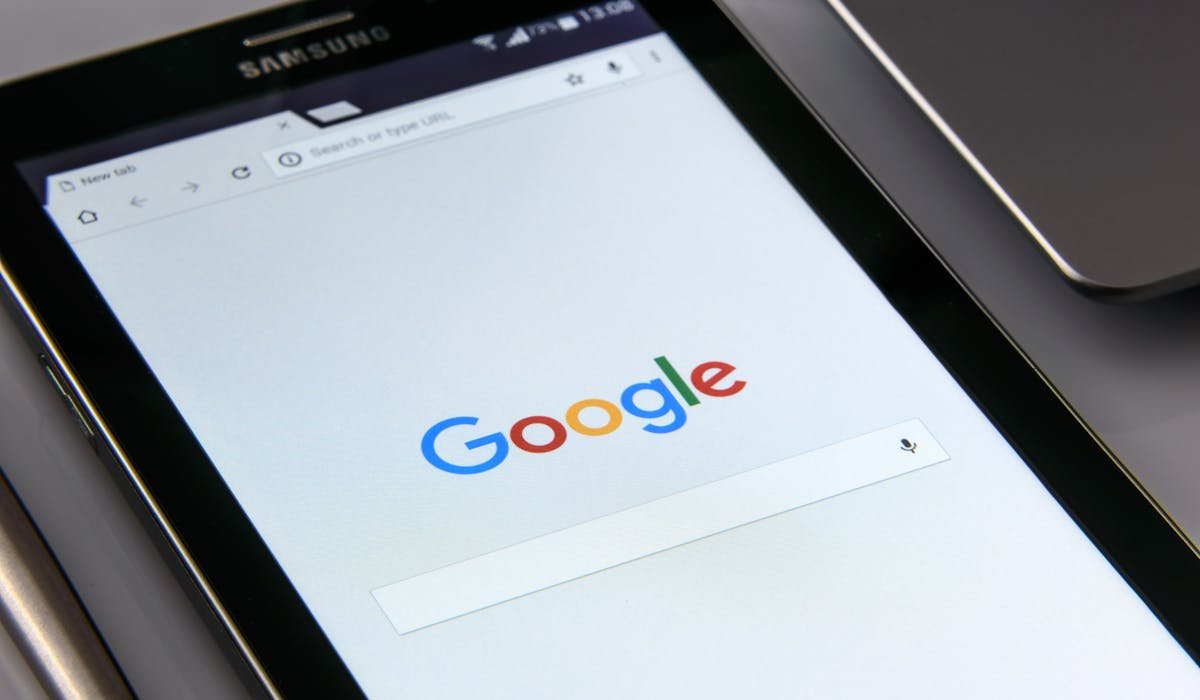
Enable cookies in iPad Safari from Settings > Apps > Safari. Plus how to allow Cross-Site Tracking for stubborn sites and clear bad cookies.
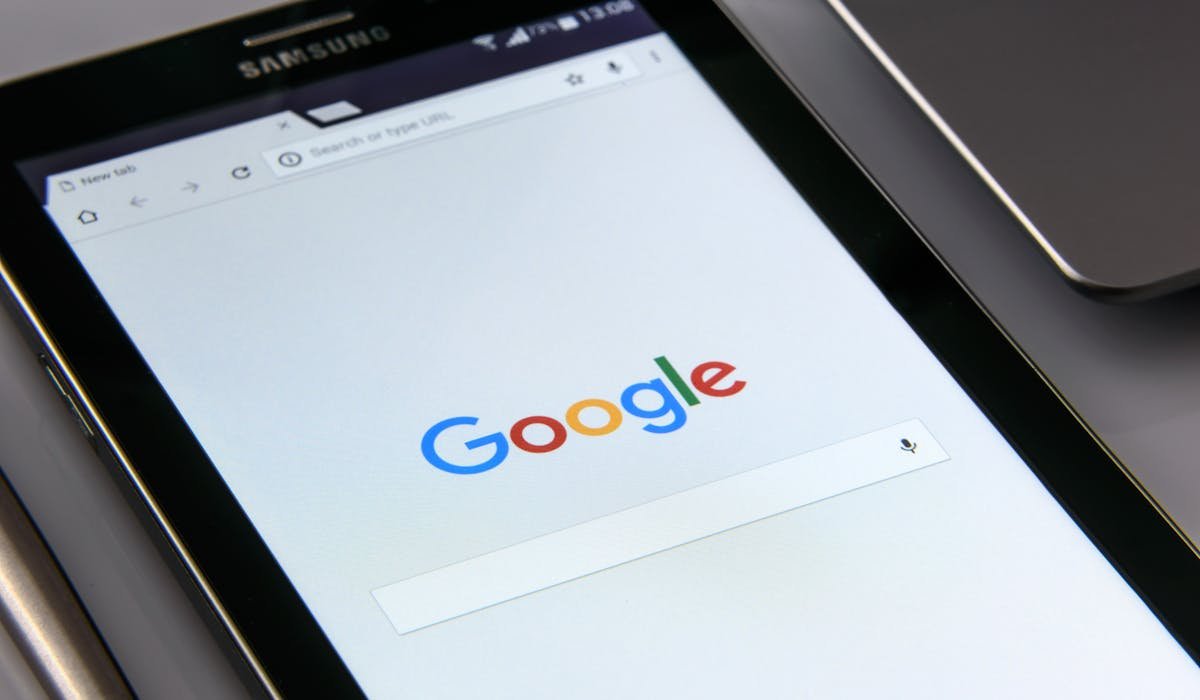
Pages not loading in Safari? Enable JavaScript in Settings > Apps > Safari > Advanced. Plus checks for Content Blockers and Lockdown Mode.

Smooth out gaming with G-Sync. Enable in NVIDIA Control Panel, set monitor to adaptive sync, confirm with the indicator overlay. Plus best paired settings.

Check if BitLocker is on in Windows. File Explorer shows a lock icon. Or use Manage BitLocker, PowerShell or Command Prompt. Plus where to find your recovery key.
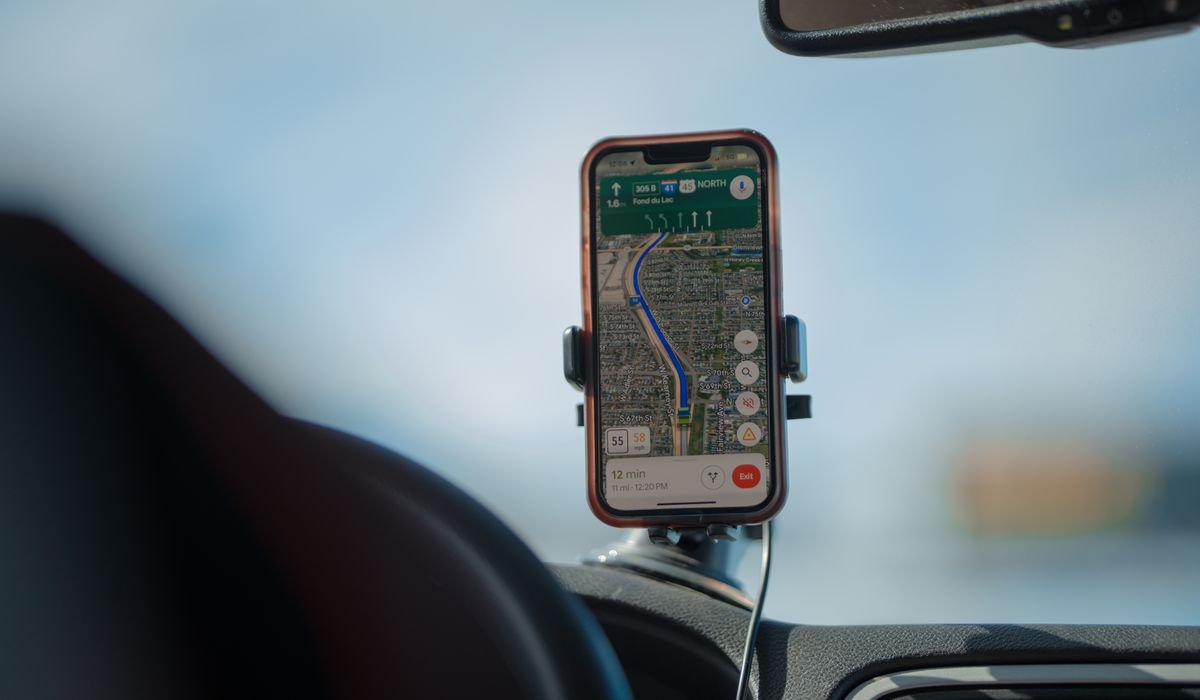
Set up CarPlay on iPhone wired or wireless. Plug into the right USB port, accept the prompt, done. Plus fixes when it will not connect.
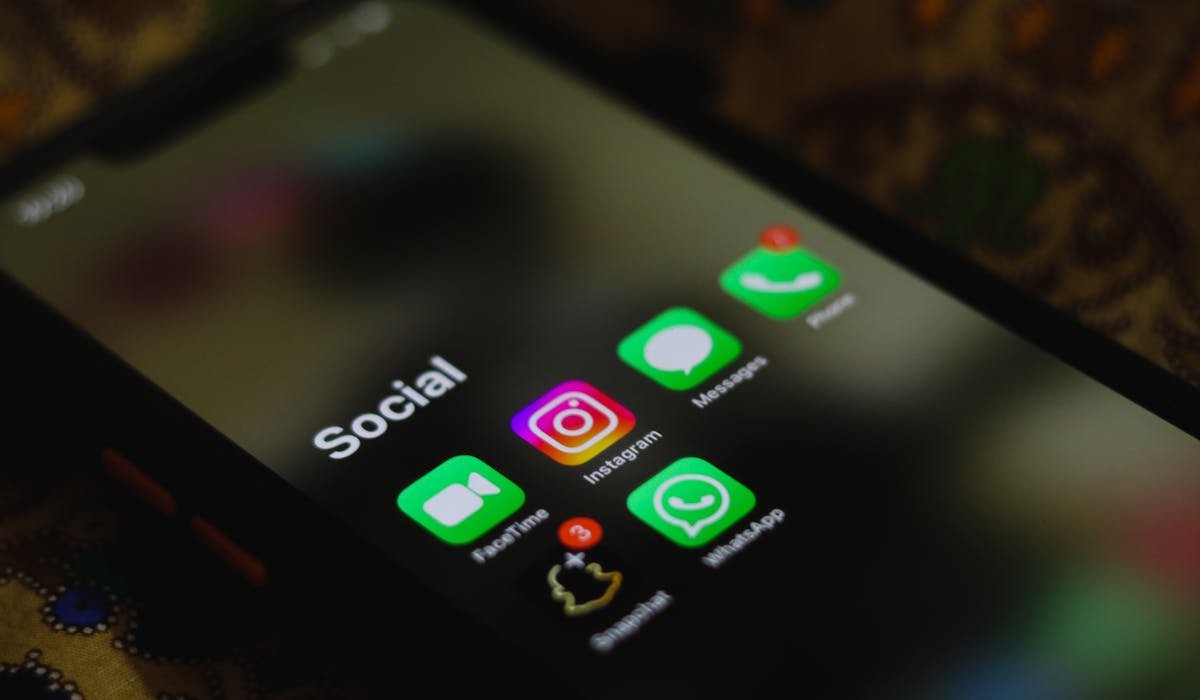
Delete your Telegram account from my.telegram.org. Plus the auto-deletion setting that wipes inactive accounts. Export data first if you want it.
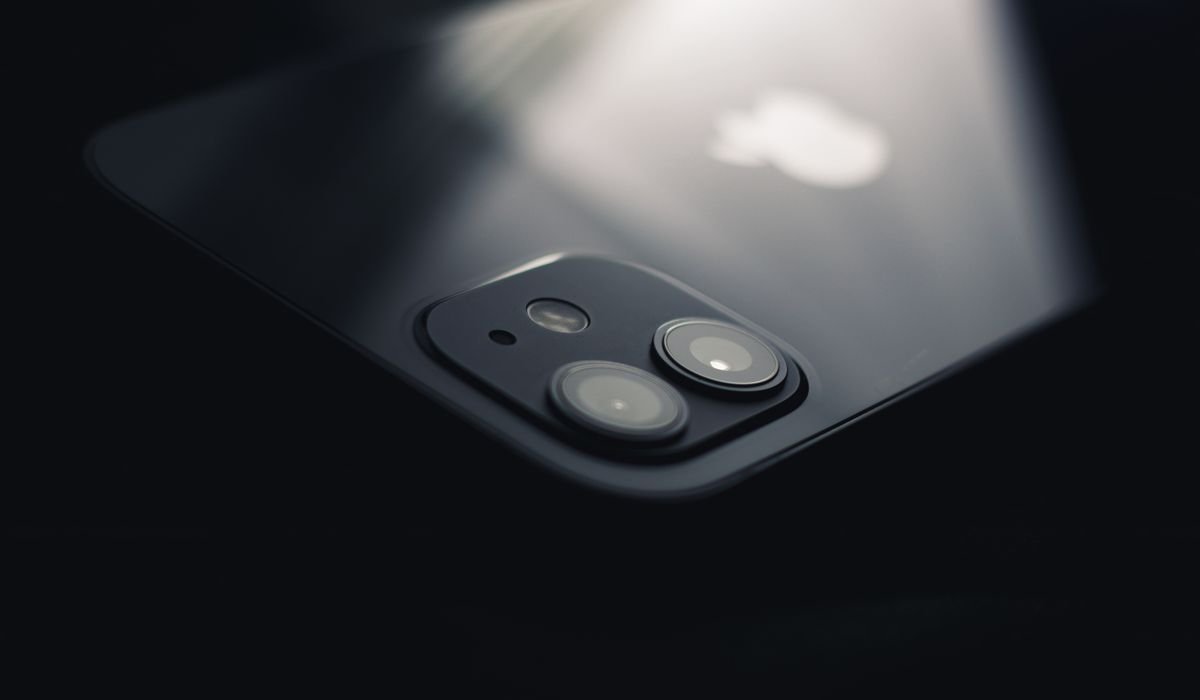
iPhone Live Photos keep turning back on? Use Preserve Settings to make the toggle stick. Plus convert existing Live Photos to stills.
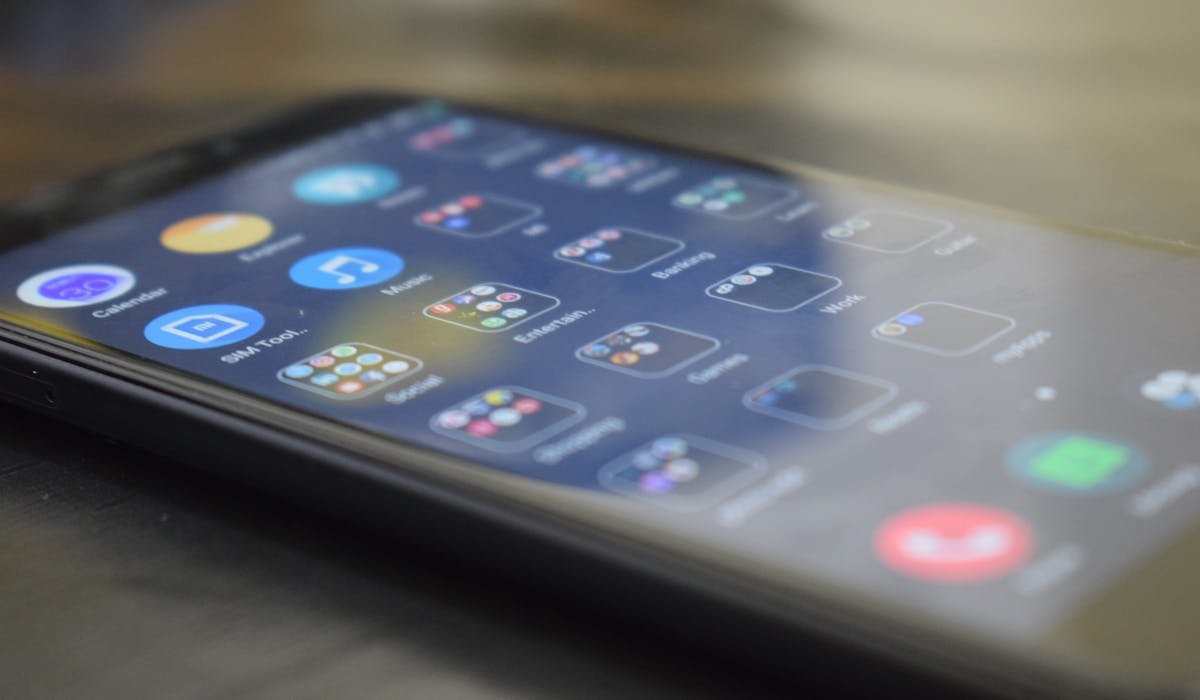
Stuck in Android Safe Mode? Restart your phone. If that fails, check for stuck volume buttons, clear storage or do a forced power off.

Windows 11 search bar dead or returning no results? Restart Explorer, kick Windows Search service, rebuild the index. Plus PowerShell reset.
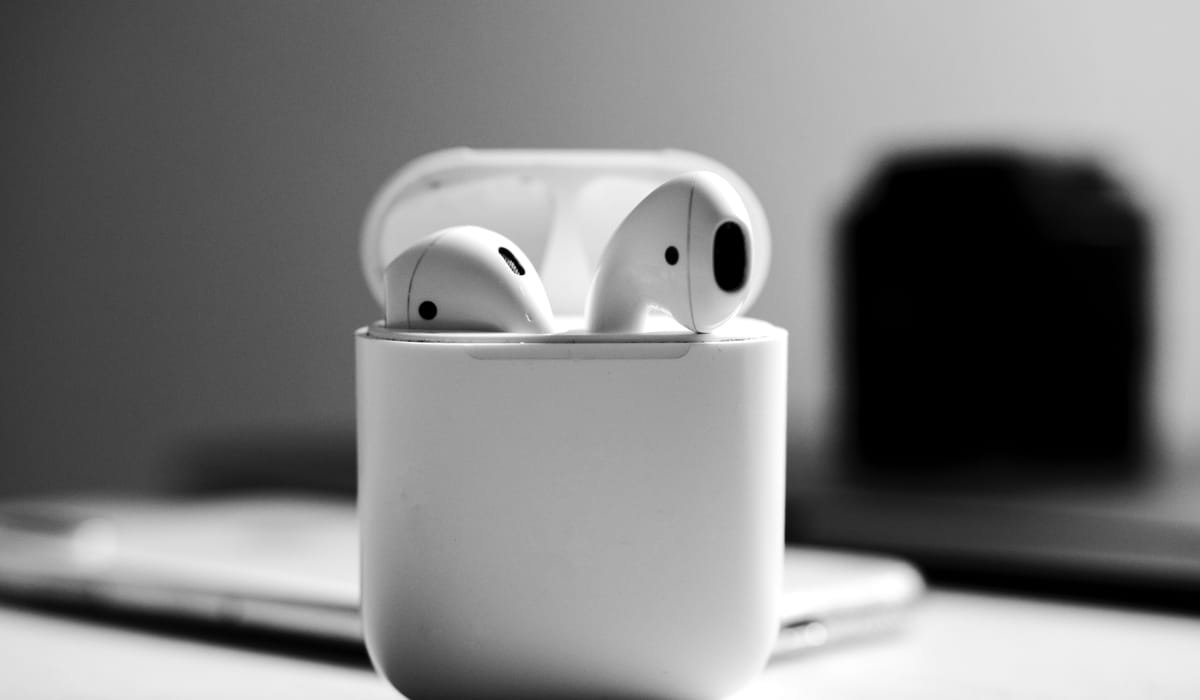
iPhone Bluetooth not connecting? Try toggling off, forget device, reset network settings or update iOS. Plus how to test if iPhone or device is the issue.