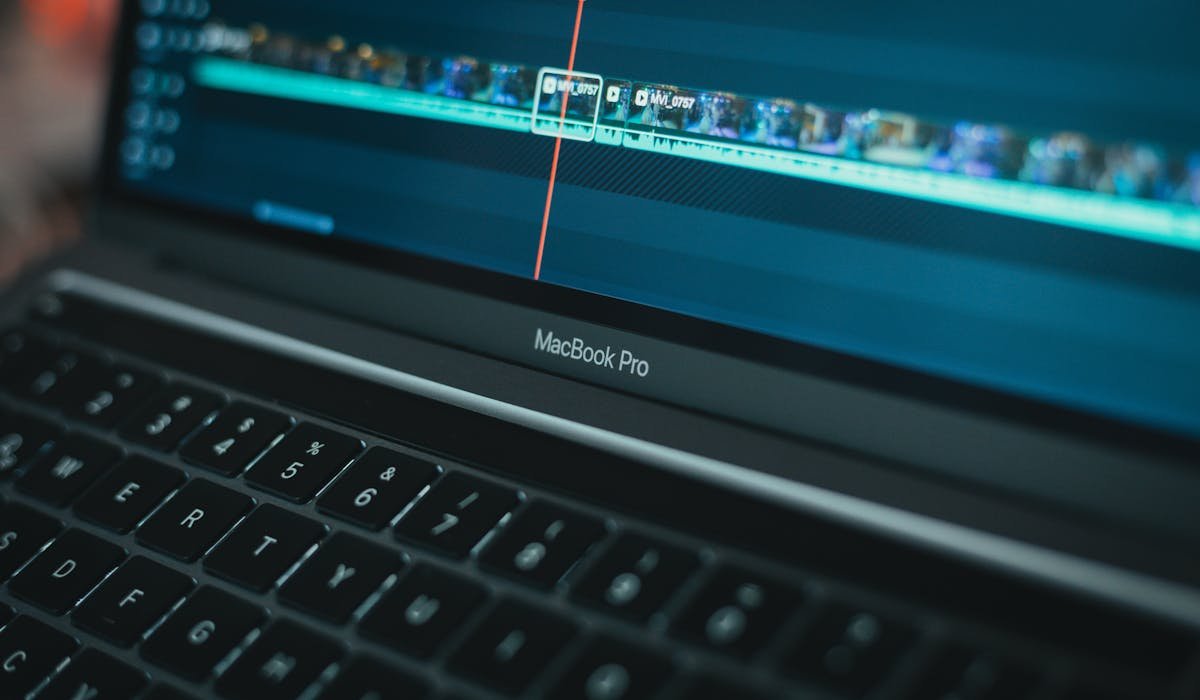
Free video editors let you cut, trim, add music, color grade, and export videos without paying for software. They range from quick mobile apps to full desktop suites that match paid tools. The free tier has gotten so good that most hobby creators never need to pay for editing software.
I’ve tested most of these on real projects ranging from social media clips to long YouTube videos. Some free editors are genuinely as capable as paid software. Some are limited but workable. The list below skips the obvious traps and sticks to actual winners in 2026.
DaVinci Resolve
DaVinci Resolve is Hollywood-grade software. Used in real feature films. The free version handles most projects you’ll ever do. The paid Studio version is $295 one-time and unlocks advanced features mostly relevant for professional colorists and VFX artists.
The learning curve is steep. Resolve is built for professionals, not beginners. But once you get past the initial intimidation, it does everything. Color grading, audio mixing, motion graphics, visual effects. All in one app. Needs a decent computer to run smoothly.
| Feature | Details |
|---|---|
| Pricing | Free, or Studio $295 one-time |
| Platforms | Windows, Mac, Linux |
| Strength | Pro color grading and audio mixing |
| Limit | Steep learning curve |
| System requirement | Decent GPU and at least 16 GB RAM |
| Best for | Serious creators wanting Hollywood-grade tools free |
iMovie (Mac)
iMovie comes free with every Mac. Easy enough for beginners. Capable enough for quick YouTube videos. Drag and drop interface. Built-in themes and transitions. Fast on Apple Silicon hardware.
The limits show up as you grow. No multi-track audio beyond two channels. Cannot do advanced color grading. But for the entry-level Mac user making vacation videos or first YouTube content, iMovie covers it without any cost.
Microsoft Clipchamp (Windows)
Clipchamp is built into Windows 11 and free for personal use. Microsoft acquired it in 2021 and integrated it deeper into Windows. Easy interface. Templates for social media formats. Stock content library.
Free tier exports at 1080p which is now generous (used to be 480p). Premium upgrades unlock advanced features and the full stock content library. Worth using before installing anything else if you’re on Windows 11.
CapCut
CapCut is the most popular video editor on mobile for a reason. Free, full-featured, and made by ByteDance (same company as TikTok). The mobile app is the best video editor on phones, period. Desktop version is solid too.
AI features are the differentiator. Auto captions in many languages. Background removal that works. Auto-cut for highlight reels. No watermark on free exports, which is rare for free mobile editors. Privacy concerns exist due to ByteDance ownership, similar to TikTok.
| Feature | Details |
|---|---|
| Pricing | Free or Pro $7.99/month |
| Platforms | iOS, Android, Mac, Windows |
| Strength | Best mobile editor, strong AI features |
| Watermark | None on free version |
| Privacy concern | ByteDance ownership |
| Best for | Social media content creators |
Shotcut (Open Source)
Shotcut is fully free, fully open source, and works on Windows, Mac, and Linux. No watermarks. No upgrade pressure. The interface feels dated compared to modern apps but the feature set is genuinely capable.
Strong format support is the standout. Shotcut handles file types that other free editors choke on. For users wanting fully open source software without compromises, this is the answer.
Canva Video
Canva is known for graphics but the video editor is solid for quick projects. Browser-based, so no installation needed. Best fit for social media content where templates and ease of use matter more than advanced editing features.
Limit is depth. Canva does cuts, trims, basic effects, and text overlays. Can’t do advanced color grading or complex multi-track editing. For Instagram or TikTok content, it covers basics fast.
Use Cases by Editor
Different editors fit different needs. Here’s the quick guide to picking based on platform, skill level, and content type:
- Total beginner on Mac: iMovie (built in).
- Total beginner on Windows: Clipchamp (built in).
- Beginner on phone: CapCut.
- YouTube creator getting serious: DaVinci Resolve.
- Open source preference: Shotcut.
- Social media template work: Canva Video.
- Mobile-first creator (TikTok, Reels, Shorts): CapCut.
What to Avoid
The free video editor space has plenty of bad actors. These categories specifically should be skipped:
- Editors that watermark exports unless you pay. Filmora and Movavi free versions do this.
- Editors that limit free export to 720p or have time limits on clips.
- Random mobile editor apps charging weekly subscriptions in the App Store.
- Bundled video editor crapware that installs alongside other free software.
- Free editors from sketchy sites that bundle malware in the installer.
Our Real Picks
For most people, DaVinci Resolve on desktop and CapCut on mobile cover every use case. Both free. Both genuinely capable. Skip everything else unless you have a specific reason like an existing iMovie workflow on Mac.
For first-time editors, start with iMovie or Clipchamp. Move to DaVinci Resolve when you outgrow them.
Final Thoughts
The best free video editors are DaVinci Resolve for desktop power users, CapCut for mobile content, iMovie for Mac beginners, and Clipchamp for Windows 11 users. Pick based on platform and skill level.
Which free editor are you using and what kind of videos do you make? Drop a comment so other creators can see real workflows.