Skip to content

Tom Guider

  • Home
  • AI Tools
  • iPhone
  • Windows
  • How-To
  • Reviews

Mike Rodriguez

Mike is a tech writer focused on iPhone, iPad, and the Apple ecosystem.

How to Clean iPhone Speakers (Without Damaging Them)
May 25, 2026 by Mike Rodriguez
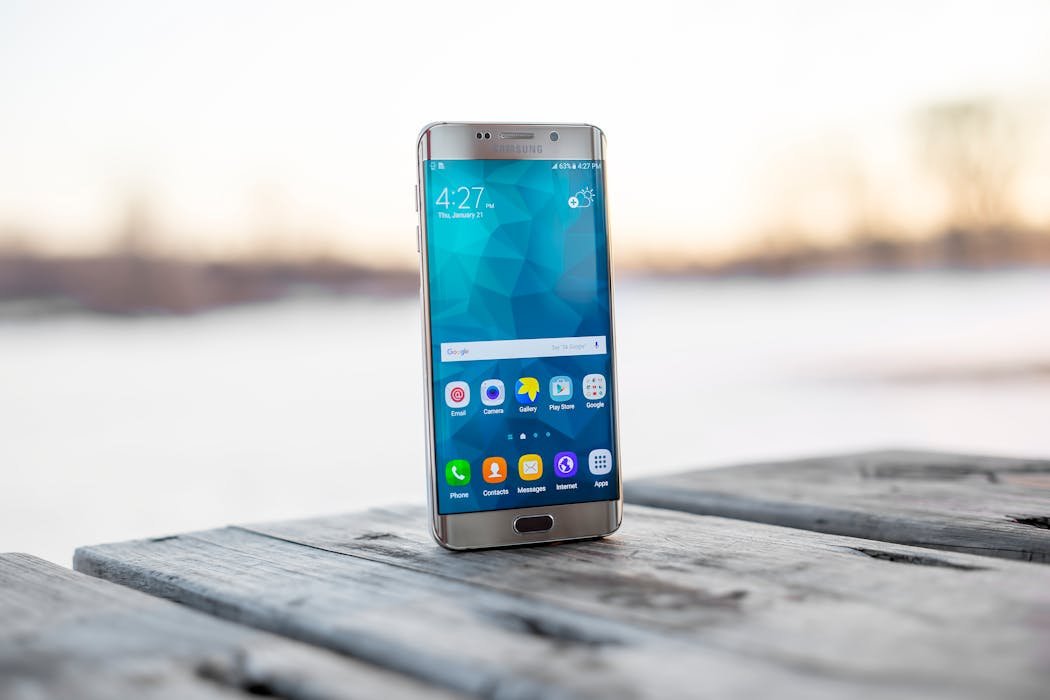
iPhone close up showing speaker grille

How to clean iPhone speakers safely. The sticky tack trick, toothbrush method and proper techniques to restore clear audio.

Categories iPhone & iOS Leave a comment

How to Clean MacBook Keyboard (Apple Approved Method)

May 25, 2026 by Mike Rodriguez
Person cleaning MacBook keyboard properly

How to clean MacBook keyboard safely. Apple approved steps using microfiber, compressed air and isopropyl alcohol without damaging keys.

Categories Mac & iPad Leave a comment

How to Free Up iCloud Storage (Stop the Full Notifications)

May 25, 2026 by Mike Rodriguez
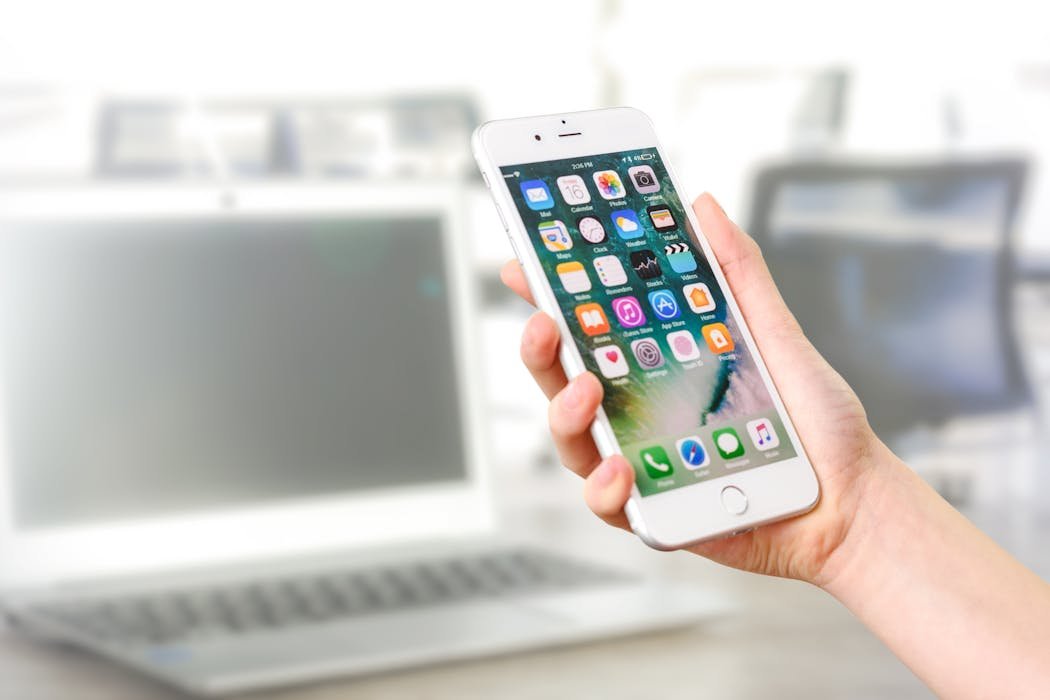
Cloud storage concept with data floating

How to free up iCloud storage and stop those constant full notifications. Delete old backups, clean photos, manage Drive and more.
Categories iPhone & iOS Leave a comment

How to Find Hidden Apps on iPhone (Every Place to Look)

May 24, 2026 by Mike Rodriguez
iPhone home screen showing organized apps

How to find hidden apps on iPhone, the complete guide. App Library, hidden Home Screen pages, iOS 18 Hidden folder and more covered.

Categories iPhone & iOS Leave a comment

How to Sign PDF on iPhone (Free Built-In Way)

May 24, 2026May 24, 2026 by Mike Rodriguez
iPhone showing PDF with signature - how to sign PDF on iPhone

Sign PDFs on iPhone using Markup. Use finger or Apple Pencil. Save signature for reuse. Plus when to use DocuSign for legal contracts.

Categories How-To Guides, iPhone & iOS Leave a comment

How to Use Safari Reader Mode (Clean Reading on All Apple Devices)

May 24, 2026May 24, 2026 by Mike Rodriguez
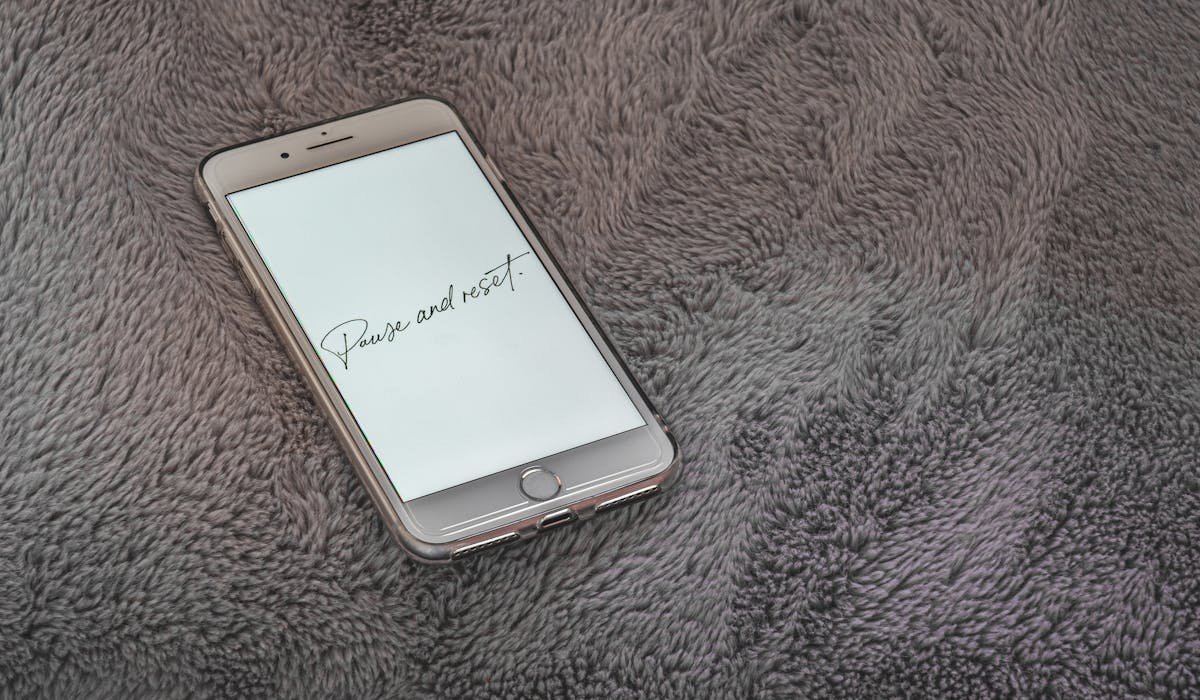
Mac and iPhone showing Safari Reader Mode - how to use Safari Reader Mode

Click Reader icon in Safari address bar to strip ads and clutter. Customize fonts and backgrounds. Plus auto Reader for favorite sites and reading list.
Categories Chrome & Web, Mac & iPad Leave a comment

How to Turn Off iPhone Without Slide (5 Methods)

May 24, 2026May 24, 2026 by Mike Rodriguez
iPhone screen showing power off slider - how to turn off iPhone without slide

Use Settings > General > Shut Down, Siri voice command, AssistiveTouch or force restart to turn off iPhone without the slide. All five methods explained.

Categories How-To Guides, iPhone & iOS Leave a comment

How to Update iPhone (Safely and Fast)

May 24, 2026May 24, 2026 by Mike Rodriguez
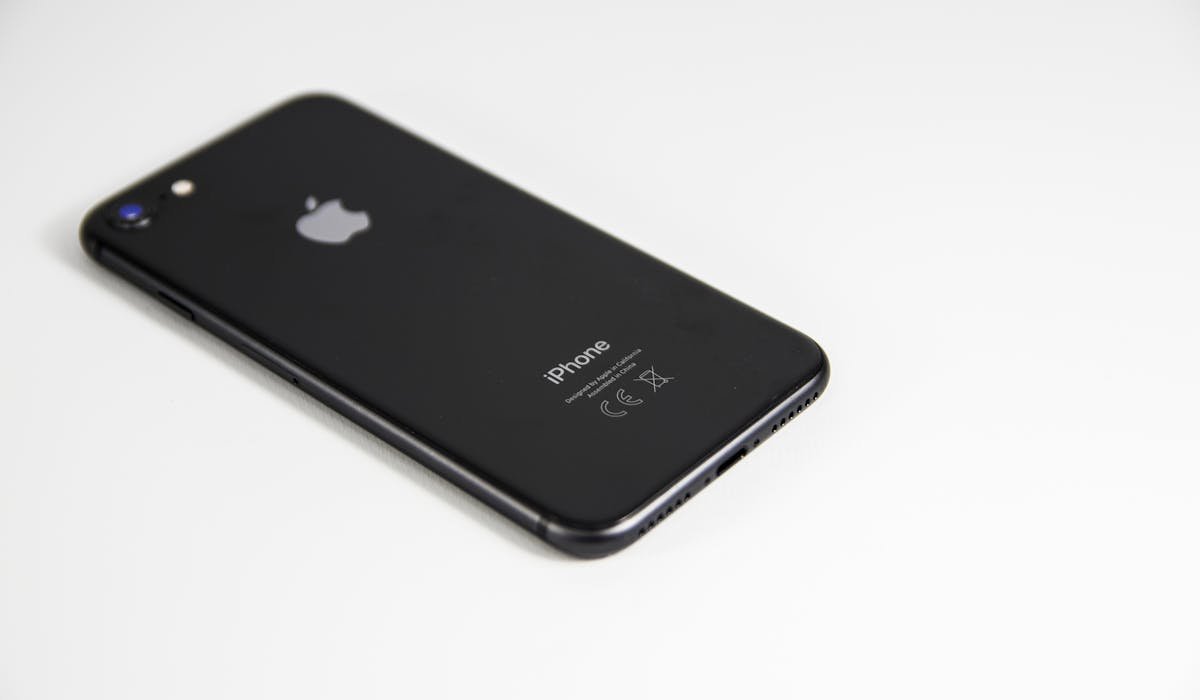
iPhone showing software update screen - how to update iPhone

Back up, free up storage, plug in and update through Settings > General > Software Update. Plus automatic updates and what to do when updates fail.
Categories How-To Guides, iPhone & iOS Leave a comment

How to Restart Frozen iPhone (Every Model)

May 24, 2026May 24, 2026 by Mike Rodriguez
iPhone with stuck screen - how to restart frozen iPhone

Force restart frozen iPhone with Volume Up, Volume Down, Side button. Plus recovery mode and what to do when freezing happens often.

Categories How-To Guides, iPhone & iOS Leave a comment

How to Update macOS (Safe Steps for Big Updates)

May 24, 2026May 24, 2026 by Mike Rodriguez
MacBook on desk with software update screen - how to update macOS

Back up, check compatibility, free up disk, plug in and run Software Update. Step by step macOS update with what to do if something fails.

Categories How-To Guides, Mac & iPad Leave a comment

How to Block Calls on iPhone (Spam, Specific Numbers)

May 24, 2026May 24, 2026 by Mike Rodriguez
iPhone screen showing call blocking - how to block calls on iPhone

Block specific calls, silence unknown callers, use carrier spam apps or third-party tools like Robokiller. Every way to stop calls on iPhone.

Categories How-To Guides, iPhone & iOS Leave a comment

How to Use Apple Pay (Setup and Real Use)

May 24, 2026May 24, 2026 by Mike Rodriguez
iPhone showing Apple Pay payment screen - how to use Apple Pay

Set up Apple Pay on iPhone and Apple Watch. Pay in stores with double-click and Face ID. How to use it online, switch cards and stay secure.

Categories How-To Guides, iPhone & iOS Leave a comment
Older posts
Newer posts
← Previous Page1 Page2 Page3 … Page5 Next →
  • About
  • Contact
  • Privacy Policy
  • Terms
  • Disclaimer
  • Editorial Guidelines
© 2026 Tom Guider • Built with GeneratePress