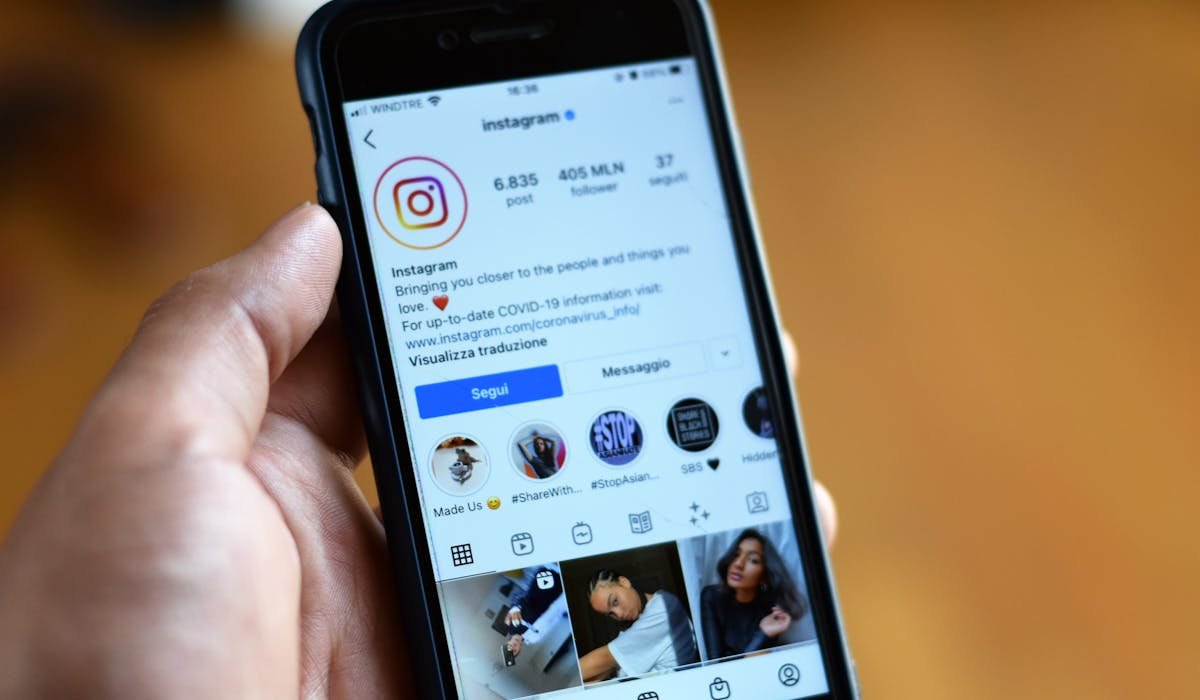
Instagram doesn't make this easy. Unlike text messages or Gmail, deleted DMs aren't kept in a trash folder. Once you delete a message, Instagram makes it sound like it's gone. But there are still a few ways to recover them depending on the situation.
Some of these work better than others. I'll be honest about which ones actually deliver.
Check if you actually deleted (vs. unsent)
Quick clarification – Instagram has two delete actions. Delete for me hides the message from your view but keeps it for the other person. Unsend removes it for both people. If you used Delete for me, the message still exists on the other person's phone.
If you accidentally deleted a message from your end only, ask the other person to scroll back and either screenshot it or copy the text. Then they can send it back to you. Annoying but it works.
Download your Instagram data
This is the best method for recovering deleted messages. Instagram lets you download a complete copy of your account data including messages, photos, and search history. The download includes messages you deleted from your end.
- Open Instagram and go to your profile
- Tap the menu (three lines) then Your activity
- Pick Download your information
- Choose Request a download
- Pick "Messages" only or "All available information"
- Wait 24-48 hours for the email with a download link
Once you get the link, download the ZIP file. Inside you'll find a messages folder with HTML files for every conversation. Open them in any browser to read your full message history.
Why this matters – the data dump includes deleted stuff
The downloaded archive contains messages that Instagram has on file. If you deleted from your side only, those messages are still in the archive. Even some Unsent messages have shown up in user data dumps – though Instagram has been patching this so don't count on it.
The download is also useful for finding old messages from years ago that you can't scroll back to in the app because they're buried.
Check email notifications
If you have email notifications turned on for Instagram, every DM you receive can show up in your email inbox. Check Gmail or whichever provider you use, and search for "Instagram" or the sender's username.
You'll see at least the first part of the message in the preview. Not the full thread, but enough to remember what was said sometimes. Worth checking if you're desperate to recover a specific conversation.
Push notifications history
On Android, the notification history feature might have saved the message preview. Pull down the notification shade and look for a clock icon at the bottom that opens notification history.
If it's enabled (and you turn it on in Settings then Notifications then Notification history), you can scroll back through Instagram notifications. The text preview shows even after the message was deleted.
iPhone doesn't have a built-in equivalent for this. Notification Center clears constantly.
Apps claiming to recover Instagram DMs
There are dozens of apps in the App Store and Play Store claiming to recover deleted Instagram messages. Most are scams. They'll either:
- Ask for your Instagram password and steal your account
- Display fake "recovered" messages and charge you to view them
- Install ad spam on your phone
- Just show your existing notification history they accessed via permission
Don't install these. There's no legitimate third-party way to recover Instagram messages that Instagram itself doesn't provide. The data download is the only real method.
If the message was truly Unsent
Bad news here. If the sender clicked Unsend, the message is removed from Instagram's servers. No download will include it. No app will recover it.
Your only options are – check notification history on Android, check email if you had notifications on, or ask the sender if they remember what they said. Nothing else works.
Which scenario fits yours – did you delete from your side, or did the sender unsend? Tell me and I'll point to the most likely recovery option.