ChatGPT Plus vs Free in 2026 (Worth $20/Month?)
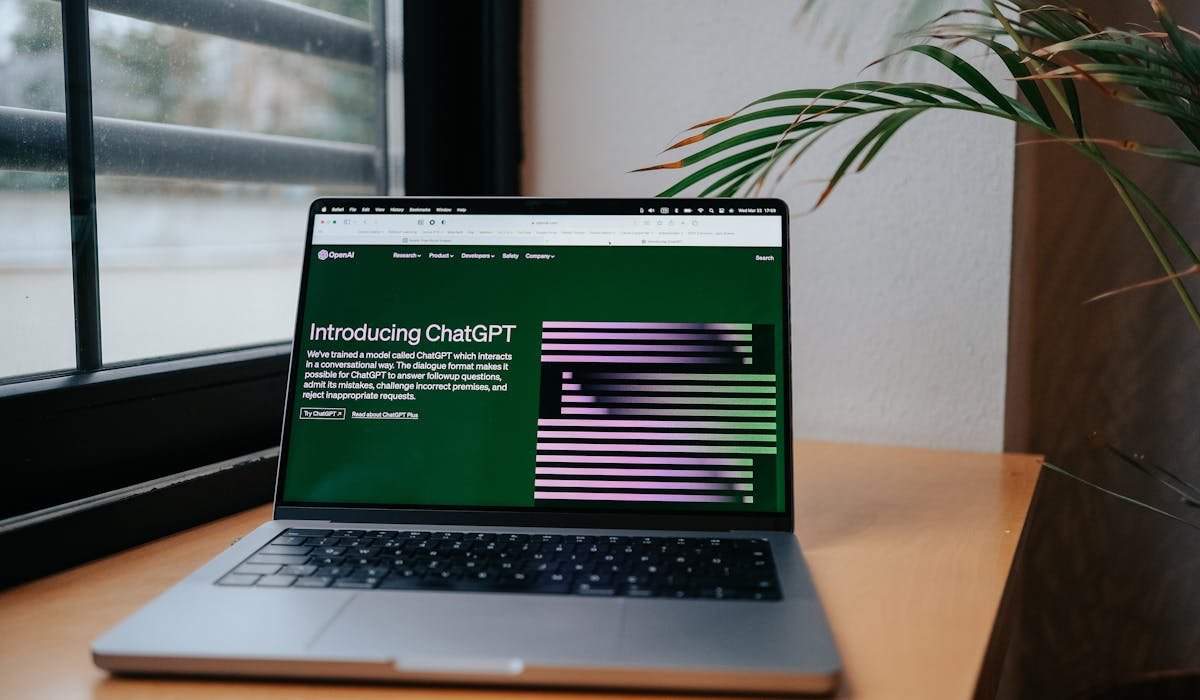
ChatGPT Plus at $20/mo adds higher limits, faster speed, advanced voice, custom GPTs and Code Interpreter. Worth it for daily users. Free is fine for casual.
ChatGPT Plus at $20/mo adds higher limits, faster speed, advanced voice, custom GPTs and Code Interpreter. Worth it for daily users. Free is fine for casual.
Access Gemini at gemini.google.com or via the Google app. Free chat, image generation, voice mode and document analysis. Plus tips and privacy notes.

Apple Photos, GIMP, Photopea, Darktable, RawTherapee. Best free photo editing apps for Mac with picks for casual, layers, RAW and PSD work.
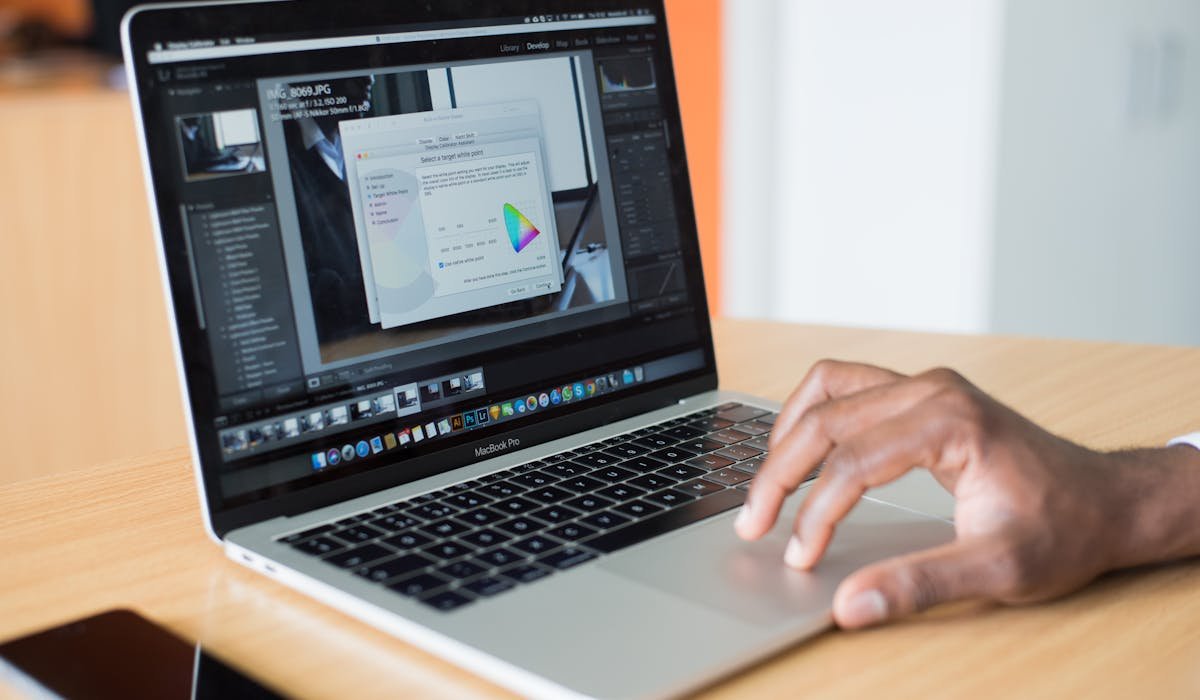
Back up, check compatibility, free up disk, plug in and run Software Update. Step by step macOS update with what to do if something fails.

Bitwarden, KeePassXC, Proton Pass, iCloud Keychain compared. Best free password managers in 2026 for cross-platform, privacy and Apple users.

YouTube Premium at $13.99/mo removes ads, adds background play, offline downloads and YouTube Music. Worth it for heavy users. Family plan is best deal.

Connect two monitors via HDMI, DisplayPort or USB-C. Configure Windows display settings, scaling and refresh rate. Plus dock options for one-port laptops.

Notion AI, Mem.ai, Otter.ai, Granola and NotebookLM. The best AI note apps for meetings, research, daily notes and student studying.

Block specific calls, silence unknown callers, use carrier spam apps or third-party tools like Robokiller. Every way to stop calls on iPhone.
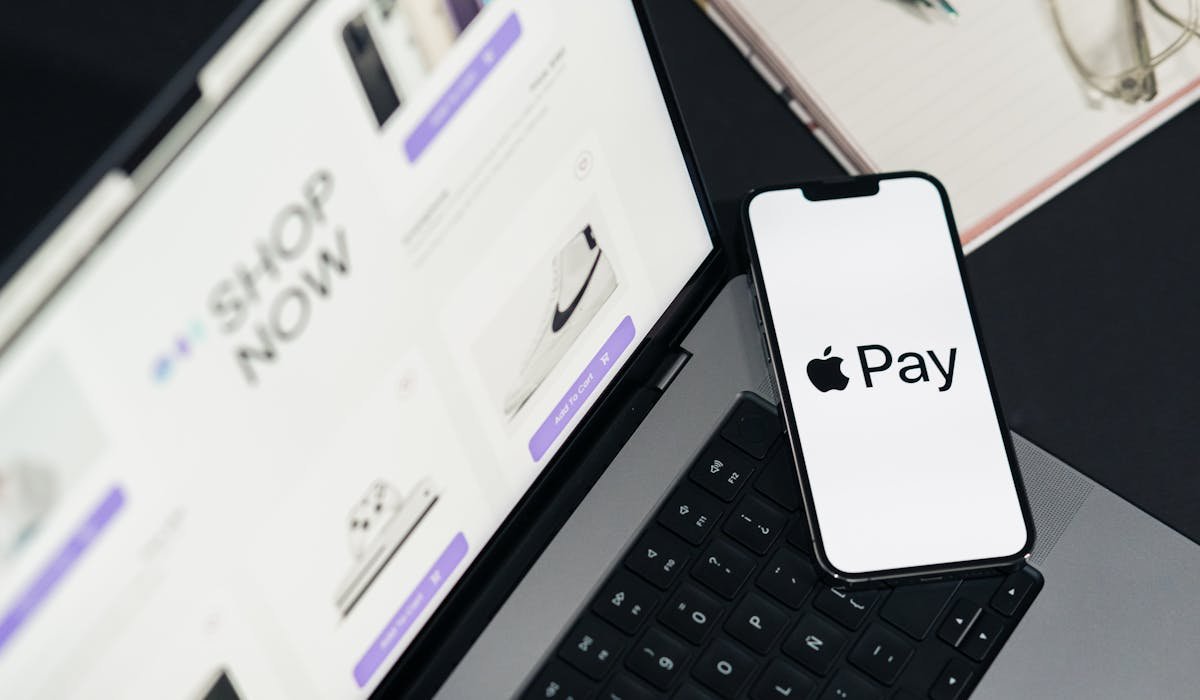
Set up Apple Pay on iPhone and Apple Watch. Pay in stores with double-click and Face ID. How to use it online, switch cards and stay secure.
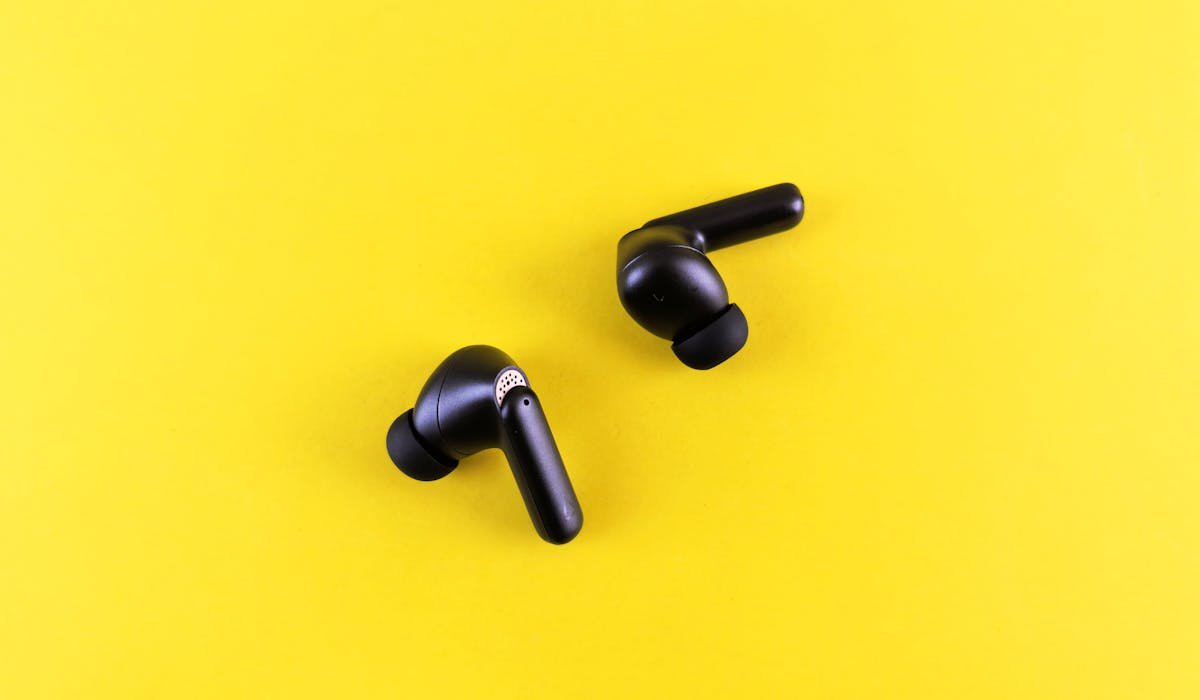
EarFun, Anker Soundcore, Pixel Buds A, Galaxy Buds FE, AirPods 4. Best wireless earbuds under $100 with ANC, multipoint and strong battery.

Pair AirPods to Windows 11 or 10 via Bluetooth. Works for music and mic. Lose Apple features like auto-switch and Spatial Audio. Setup and quirks.