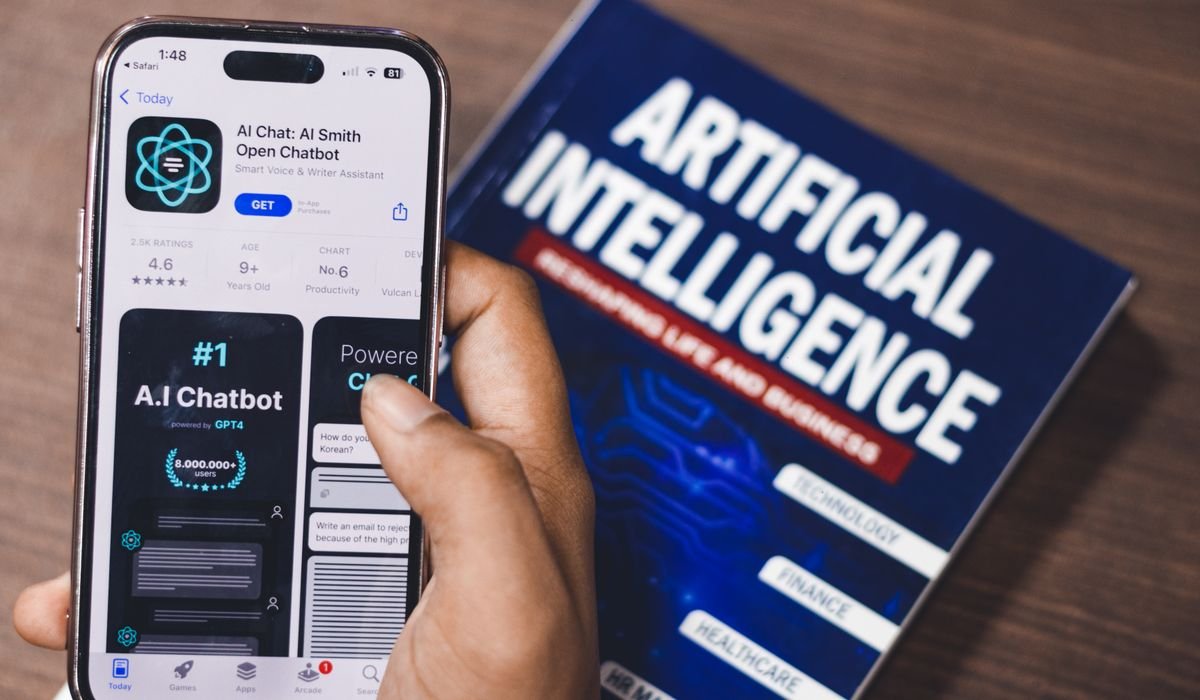
My iPhone has way too many apps on it. Most are junk. But the AI ones I actually keep coming back to, those are the ones worth talking about. I've been testing AI apps on iOS for over a year now and the honest truth is most of them are just ChatGPT wrappers with a fancy logo.
So I made a list of the AI apps that actually do something useful on iPhone. Not the hype-y ones. The ones that fit into how you already use your phone. Some are free. Some are not. All of them earned their spot.
ChatGPT
Yeah, the obvious one. But there's a reason it's on every list. The iOS app got really good in the last few months. Voice mode feels almost natural now and the camera input lets you point your phone at literally anything and ask about it.
I use it for everything from quick writing help to debugging code while I'm away from my laptop. The free version is fine for most stuff. The Plus version at $20 a month unlocks GPT-4o, longer memory, and that smooth voice conversation feature.
| Feature | Details |
|---|---|
| Price | Free / Plus $20/mo |
| Best for | General everything |
| Voice mode | Yes, surprisingly good |
| Offline use | No |
Perplexity
If you Google stuff a lot, just use Perplexity instead. It searches the web and gives you a real answer with sources. No ten blue links to click through. The iPhone app is fast and the new voice mode lets you ask follow-up questions like a normal conversation.
I switched my default search to this and I'm never going back. Free tier works fine. Pro at $20 a month adds GPT-4 and Claude under the hood for harder queries.
Claude
Anthropic finally launched a proper iOS app and it's really nice. Claude writes better than ChatGPT for most longer-form stuff. Emails, essays, structured analysis. The free tier gives you decent daily limits.
What I like is the clean interface. No clutter. Just a chat window and your conversation history. Pro at $20 a month bumps usage limits way up and unlocks the bigger Opus model for harder thinking tasks.
Gemini
Google's AI app is solid if you live inside Gmail, Docs, and Calendar. Gemini can pull from your inbox or summarize a thread without you copy-pasting anything. The integration with Google services is the actual selling point here.
Free version uses 1.5 Flash which is decent. Advanced at $20 a month gives you 2.5 Pro and access to Gemini Live for voice conversations. Worth it if you're already paying for Google One since they bundle it now.
Otter
Best transcription app on iPhone, full stop. Otter records meetings, lectures, interviews and gives you a clean transcript with speaker labels. The AI summary at the end is genuinely useful.
I use it during interviews and the search inside transcripts saves me hours. Free tier gives you 300 minutes a month. Pro at $16.99 a month adds more recording time and exports.
Lensa
Remember when everyone's LinkedIn photo suddenly looked like a Pixar character? That was Lensa. It still works really well for AI avatars and photo retouching. The magic avatars feature costs about $7.99 for a pack and gives you 100+ styled versions of yourself.
The everyday photo edit tools are useful too. Background blur, object removal, skin smoothing that doesn't look fake. Free for basic edits, subscription unlocks the full editor.
Replika
An AI companion you chat with. Sounds weird, I know. But if you're lonely or just want to vent without bothering anyone, Replika is surprisingly comforting. The conversations feel personal because it remembers what you told it last week.
Free tier works fine for casual chats. Pro at $19.99 a month adds voice calls, AR mode, and more personality options. Not for everyone but the people who use it really use it.
Microsoft Copilot
Free GPT-4 access. That's the whole pitch and it's a strong one. Copilot on iOS gives you the same model OpenAI charges $20 a month for, plus image generation through DALL-E 3, completely free. The catch is sometimes it's slower during peak hours.
I keep it installed as my backup when ChatGPT hits limits or feels slow. The voice mode works pretty well too. Microsoft really wants you using this.
Photoroom
Best background remover on iPhone. Photoroom nails it in two seconds with one tap. I use it for product photos, Instagram posts, profile pictures, anything where I want a clean cutout.
The free tier handles maybe 90% of what most people need. Pro at $9.99 a month removes watermarks and unlocks batch editing. If you sell anything online, this app pays for itself fast.
| App | Best for | Free tier? |
|---|---|---|
| ChatGPT | General AI assistant | Yes |
| Perplexity | Search replacement | Yes |
| Claude | Writing tasks | Yes |
| Gemini | Google ecosystem | Yes |
| Otter | Transcription | Yes (300min) |
| Lensa | Photo edits + avatars | Limited |
| Replika | AI companion | Yes |
| Copilot | Free GPT-4 | Yes |
| Photoroom | Background removal | Yes |
Grammarly Keyboard
Replaces your iPhone keyboard with one that fixes your writing in real time. Grammarly catches typos, tone issues, and awkward phrasing across every app. Texts, emails, Instagram captions, whatever.
Free version handles basics. Premium at $30 a month unlocks the AI rewriting tools which honestly turn rough drafts into something readable. Worth it if you write a lot on your phone.
Notion AI
If you already use Notion, the AI inside it on iPhone is super handy. Quick summaries, action item extraction from meeting notes, turning bullet lists into proper paragraphs. The iOS app finally got good after the redesign earlier this year.
It costs $10 a month on top of your existing Notion plan. Not cheap but if Notion is your second brain, this turns it into a smarter one.
A few quick mentions
Some apps I use less often but still recommend keeping around for specific jobs:
- Pi – Conversational AI that feels really chill, good for thinking out loud
- Character AI – Roleplay and creative chats with custom personas
- Lex – AI writing app with a clean Markdown editor
- Krisp – Removes background noise from calls and recordings
- Be My Eyes – Free GPT-4 vision for accessibility, anyone can use it
- Picsart – Tons of AI photo effects beyond just basic edits
Apple Intelligence?
Worth mentioning since Apple finally entered the AI game. If you have an iPhone 15 Pro or newer, Apple Intelligence is baked into iOS now. Writing tools, smarter Siri, Genmoji, image cleanup in Photos. It's not as powerful as ChatGPT yet but it lives inside the OS so it's always one tap away.
The ChatGPT integration in Siri is the killer feature. Ask Siri something complex, it offers to send it to ChatGPT, you get a real answer. No app switching.
Which one should you actually install?
Honestly? Start with three: ChatGPT, Perplexity, and Photoroom. That covers chatting, searching, and photo editing for free. Add others based on what you actually do every day. Don't install all twelve. Your iPhone will get cluttered fast.
And if you're paying for ChatGPT Plus already, you don't need Copilot too. They're the same model under the hood. Pick one and save twenty bucks.
What's the one AI app you actually open every day on your iPhone? Drop it in the comments, I want to see what people stick with after the novelty wears off.