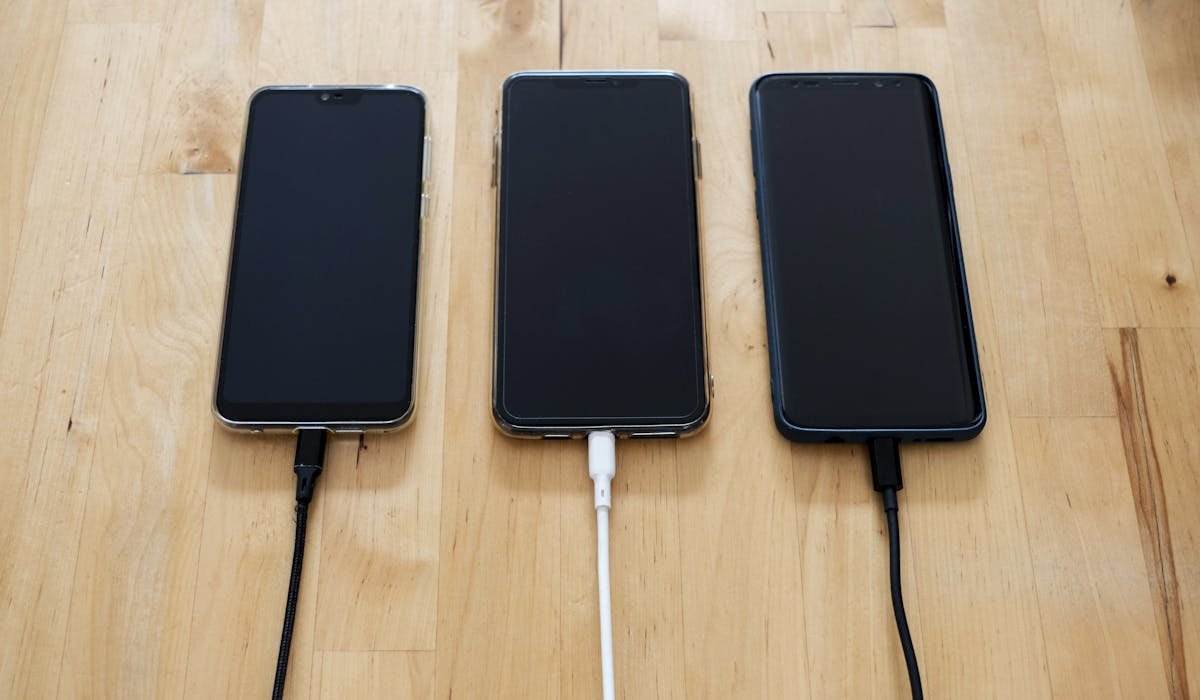
My iPhone took 5 hours to charge once. Plugged in overnight and still wasn't full in the morning. Slow charging is almost always one of 4 things and most are free to fix.
Same fixes mostly work on Android. I'll mention which fixes are platform-specific.
Check the charging cable
Cables wear out. Even nice-looking ones can have internal breaks. Try a different cable. If charging speed jumps to normal, the old cable was the problem.
For iPhone, use a Made for iPhone (MFi) certified Lightning cable. Cheap knockoff cables charge slowly even when they work. Apple's own cables and Anker brand are reliable.
For Android, the cable needs to match your charging standard. USB-C cables vary widely – look for ones rated for at least 60W or that specifically mention "PD" (Power Delivery) for fast charging.
Clean the charging port
Lint and dust pack into the bottom of the charging port. The cable can't make solid contact. Look in the port with a flashlight. If you see fuzz or debris, clean it out.
Use a wooden toothpick or plastic SIM ejector tool. Gently scrape out the debris. Don't use metal – it can short the contacts. Compressed air helps blow loose particles out.
After cleaning, plug in. Charging should resume at normal speed. This fixes maybe 40% of slow charging cases.
Try a higher-wattage charger
The wall charger matters as much as the cable. A 5W charger fills an iPhone in 4-5 hours. A 20W charger does it in 90 minutes. Same phone, same cable.
For iPhone, get a 20W USB-C charger (Apple's costs $19, Anker has $15 options). Combined with a USB-C to Lightning cable, you get fast charging.
For Android, check your phone's max charging speed. Samsung Galaxy S24 supports 25W, OnePlus phones can go up to 100W on some models. Match the charger to your phone's capability.
Don't use a computer USB port
Computer USB ports give 0.5A or 0.9A on USB 3.0. Wall chargers give 2-3A or more. So phones plugged into computers charge at half speed or slower.
If you must use a computer, use a USB-C port if your laptop has them – those usually carry more power. But always prefer a wall outlet for fastest charging.
Charging speed comparison
| Source | Approximate speed |
|---|---|
| 5W brick (old iPhone) | 4-5 hours full charge |
| 20W USB-C wall charger | ~90 minutes |
| Computer USB 2.0 port | 5+ hours |
| Computer USB 3.0 port | 3-4 hours |
| Wireless charger (slow) | 3-4 hours |
| MagSafe (iPhone) | 2-3 hours |
| 65W+ phone with PD | 30-40 minutes |
Disable battery optimization
Both iOS and Android slow down charging at certain points to protect the battery. iOS has Optimized Battery Charging which pauses at 80% if the phone learns your charging pattern.
To turn it off on iPhone – Settings > Battery > Battery Health & Charging > toggle off Optimized Battery Charging. Now the phone charges full speed to 100%.
On Android, look in Settings > Battery > Battery protection or similar. Samsung has "Protect battery" that caps at 85%. Turn off if you want full speed and capacity.
Check battery health
Old batteries charge slower and discharge faster. On iPhone, go to Settings > Battery > Battery Health & Charging. Look at Maximum Capacity.
Below 80% means the battery should be replaced. Apple offers replacements for $89-99 depending on iPhone model. Out-of-warranty replacement costs around $89-129 depending on iPhone model. Third-party shops are cheaper but use non-Apple batteries.
Turn the phone off while charging
A phone that's off charges faster than one that's on. No apps draining battery, no screen on, no background activity. Useful when you're running low and need a quick boost.
Even putting the phone in Airplane Mode helps a lot. Cell radios are the biggest active battery drain after the screen.
What charger and cable are you using? Tell me brand and wattage and I'll mention if it's a known slow combo.